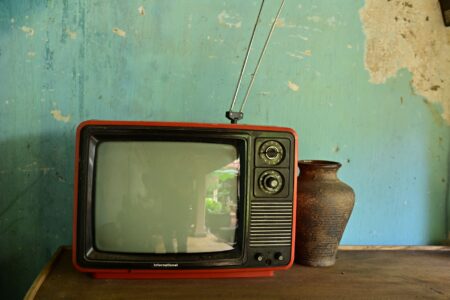



The television that no longer earns its spot in your living room may still be useful somewhere else in the house.
Most people treat an upgrade as the end of the old set’s story. The new screen goes on the wall, and the old one gets dragged to the garage, the curb, or a “free” listing that nobody answers. That shortcut skips two questions: whether the TV can still do something useful, and what happens to it if it can’t.
Retiring a TV the right way takes a little more effort than hauling it away. This guide covers how to assess what you have, where it might fit, and how to let go of it responsibly when the answer is that it’s done.
Run a Quick Audit Before You Decide
Start by plugging the set in and checking how it actually behaves. A TV being old and a TV being broken are different things. Dim backlighting, a slow smart-TV interface, or a missing app store can make a set annoying in the main room while leaving it perfectly fine for lower-stakes duty. A cracked panel, persistent lines across the picture, or a set that won’t power on is a different case, and that one probably heads straight for recycling.
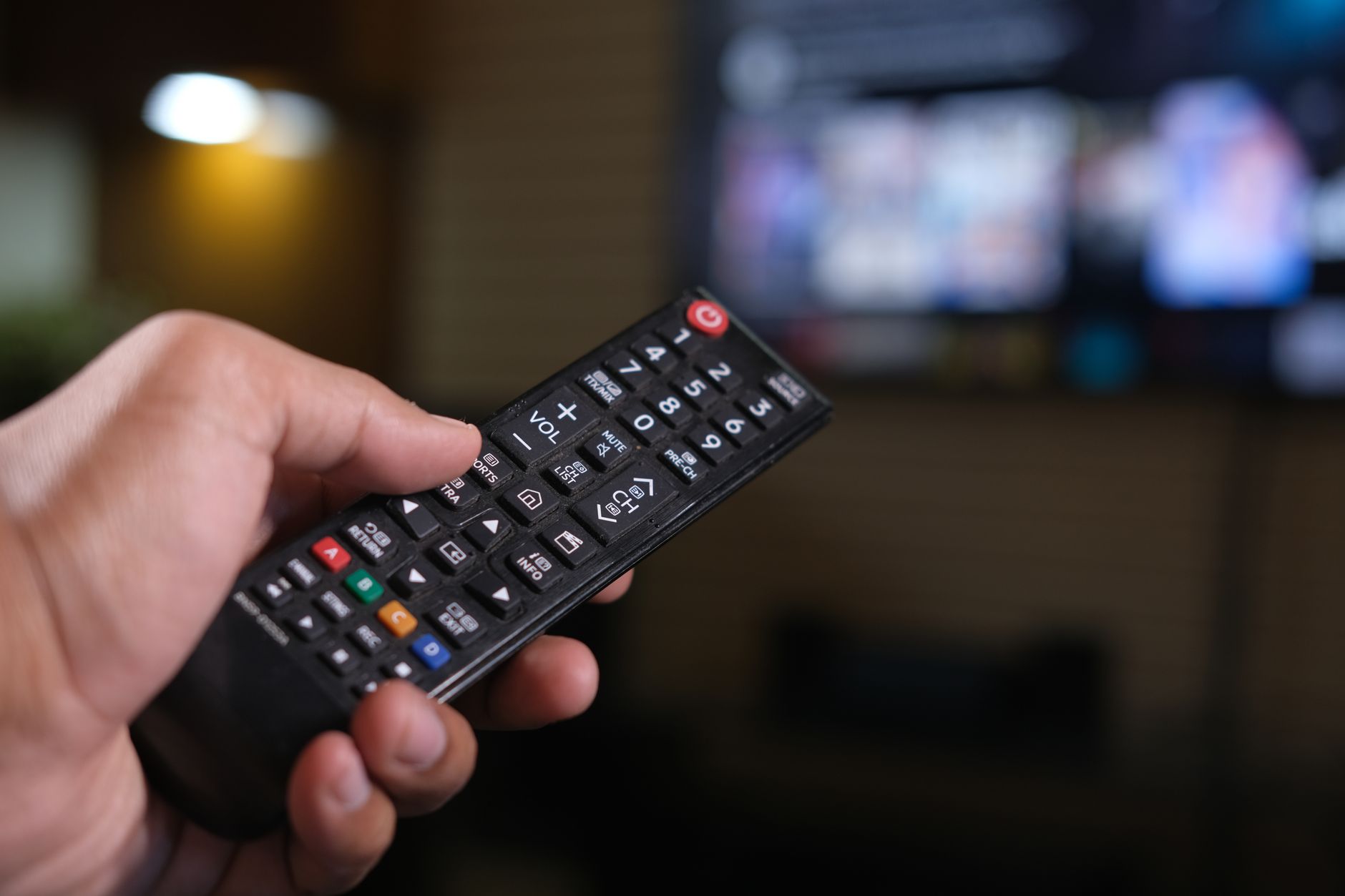
Next, look at the ports on the back. An HDMI input is the single most useful feature on an older TV, because it lets the screen act as a display for almost anything: a streaming stick, a game console, a laptop, a mini PC. If the set only has older connections, you can still make it work, but you will need adapters, and the picture may not look great. Also check that you still have a remote, or that the TV’s physical buttons can handle input switching and volume.
Once you know what works, match the TV to a job. A few realistic options:
- Second monitor or desk display. A TV connected to a computer over HDMI can serve as extra screen space for spreadsheets, video calls, or a reference window. Text can look softer than on a real monitor, so it suits a secondary role better than a primary one.
- Bedroom, guest room, or kitchen screen. Pair it with a cheap streaming stick and it becomes a perfectly good set for rooms where nobody is scrutinizing picture quality.
- Game room or garage display. Older consoles and retro setups often look right on a modest screen, and a garage TV with a streaming stick turns workouts or projects into something less dull.
- Photo or information display. With a streaming device or a small computer attached, the screen can cycle through family photos, a calendar, or a dashboard.
- Hand-me-down for a family member. A student, a relative moving into a first apartment, or a friend with no TV at all may be glad to take a working set off your hands.
The point of the exercise is simple. A working screen has value, and a new job costs far less than a new purchase.
When It’s Really Time to Say Goodbye
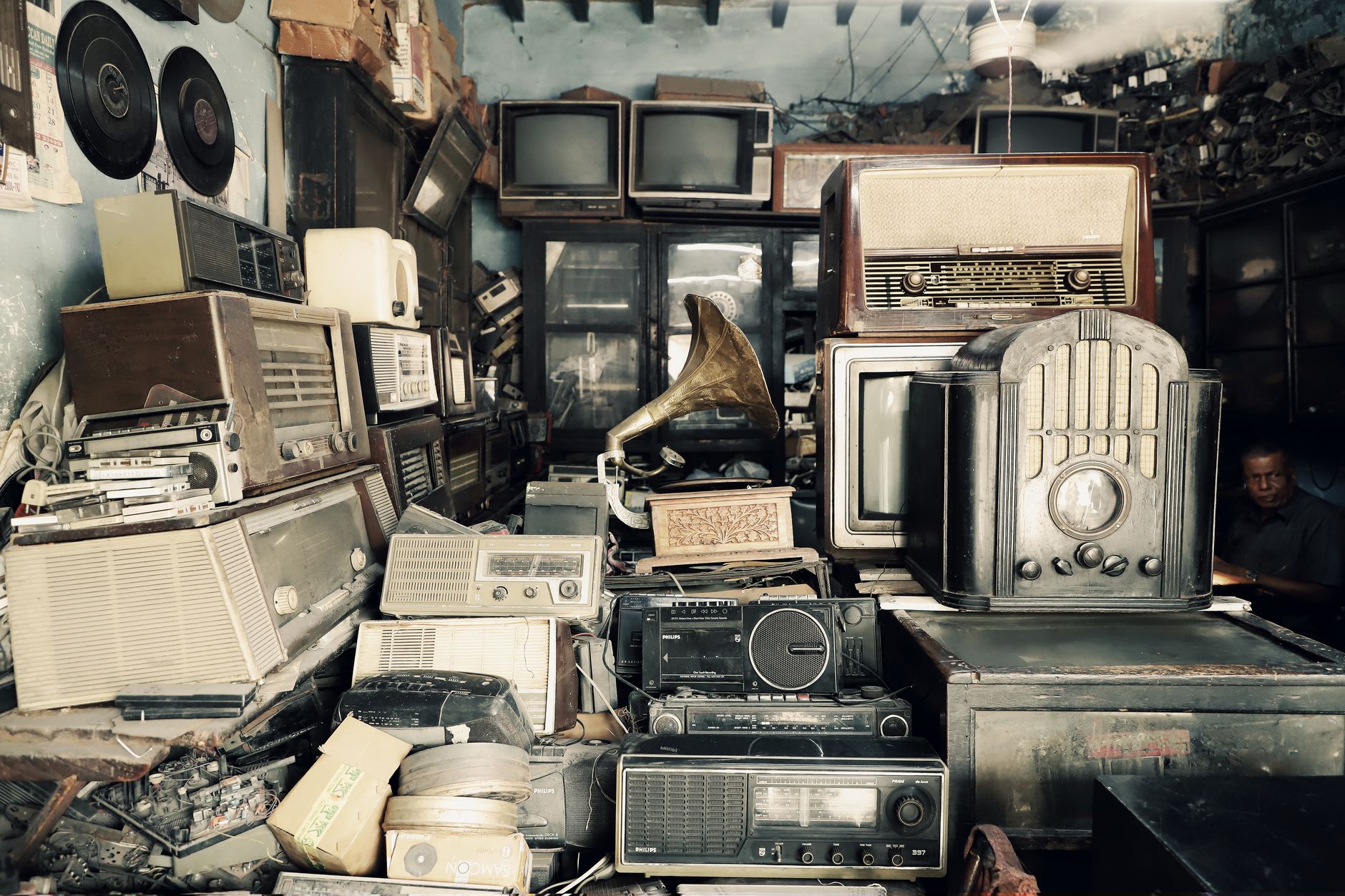
Sometimes the audit ends badly. The picture is gone, the set won’t boot, or nobody in your orbit wants a screen that size. At that point the goal shifts from reuse to disposal, and the TV should not go out with the weekly trash. Televisions are electronic waste, and many places have rules or collection programs for exactly this reason. Older sets in particular can contain materials that don’t belong in a landfill, which is why dedicated e-waste handling exists.
Your options for getting rid of a dead or unwanted TV usually look like this:
- Retailer take-back programs. Some electronics retailers accept old sets, sometimes for a fee and sometimes when you buy a replacement. Policies vary, so check with the store before you load the car.
- Municipal e-waste collection. Many local governments run drop-off days or permanent collection sites for electronics. Your city or county website is the fastest way to find yours.
- Certified recyclers. If you want assurance that the set is handled properly, look for a recycler that follows recognized e-waste standards rather than a vague “we take anything” operation.
- Donation. If the TV works, a charity, school, or community group may take it. Call first, since many organizations only accept certain sizes or models.
Before the TV leaves your hands, deal with the data. A smart TV remembers more than most owners realize: streaming accounts, saved Wi-Fi passwords, app logins, and viewing history can all sit on the device. Sign out of every service, then run a factory reset from the settings menu so the next owner, or the recycler, doesn’t inherit your profile. If the set is too dead to boot, at least remove any USB drives or streaming sticks and change the passwords on accounts you used with it.
Handle the physical side with some care too. Take off the wall mount and stand and keep any hardware you might reuse. Gather the remote, cables, and any streaming devices that are still good, because those often outlive the TV that hosted them. Moving a large screen is also an awkward two-person job. Panels crack easily, and flat-carrying or boxing the set protects it if you’re donating it. Lifting it by the frame and not by the screen avoids damage and sparing your back at the same time.
So before the next heavy lift to the curb, ask what the old set could still be doing, and who in your life might be waiting on a screen like it?