

The Upgrade You’re Probably Overlooking
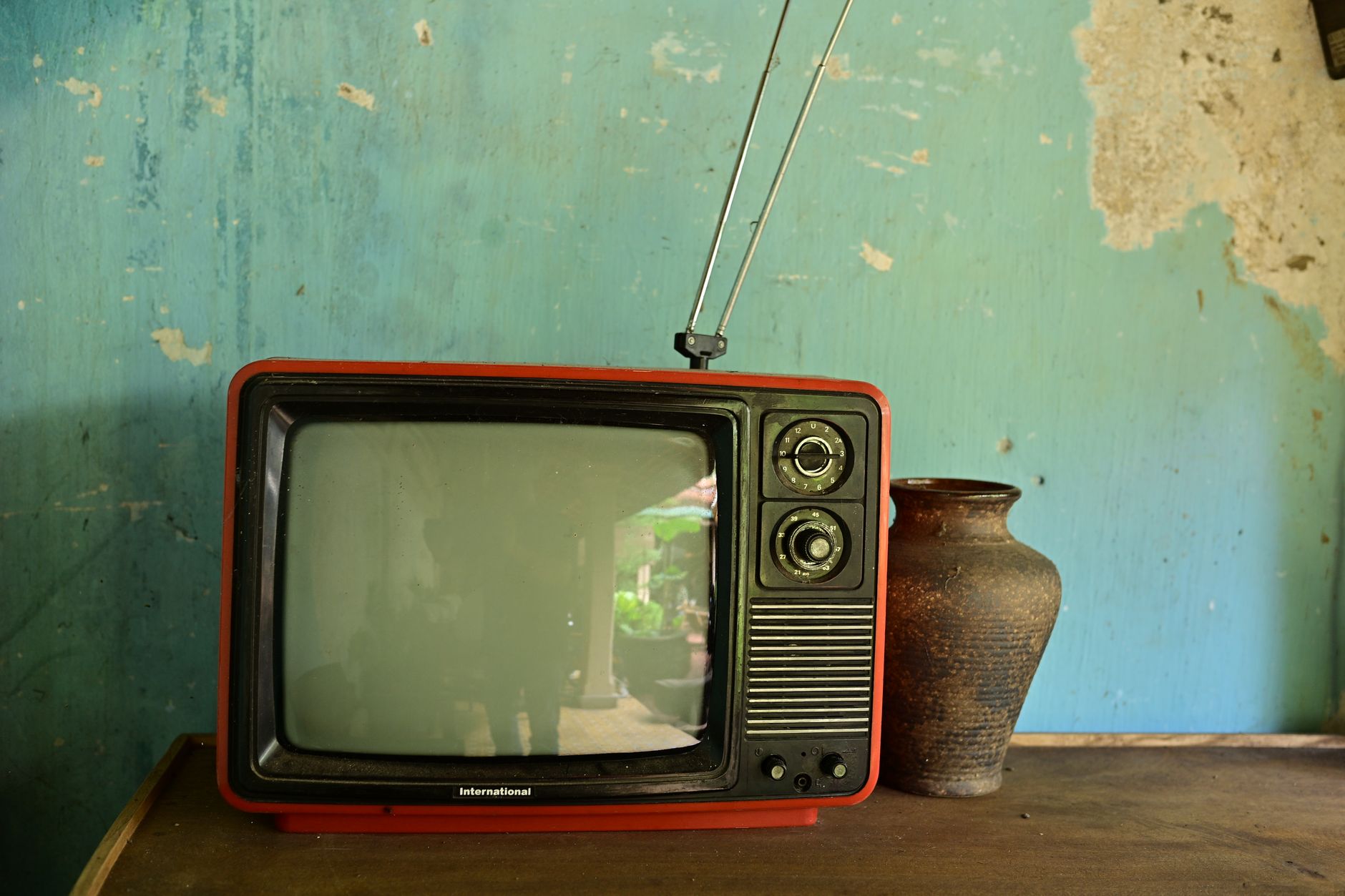
Millions of households still run televisions that predate the smart TV era – screens that display a picture just fine but have no built-in access to Netflix, YouTube, or anything else that lives on the internet. The default assumption is that the only fix is buying a new television, which means spending anywhere from a few hundred to several thousand dollars on hardware that, from a viewing standpoint, may perform no better than what’s already mounted on the wall.
That assumption is wrong.
A category of small, inexpensive devices – streaming sticks and boxes that plug directly into a TV’s HDMI port – can add full smart functionality to any screen that has that input. Setup takes minutes. The cost is a fraction of a new television. And in several ways, the experience can actually exceed what budget smart TVs offer natively, because the software on dedicated streaming devices tends to be faster and better maintained than the firmware baked into low-cost sets.
What These Devices Actually Do
Streaming sticks and boxes work by connecting to your home’s Wi-Fi network and running their own operating systems independently of the TV they’re plugged into. The television becomes a display – nothing more. All the processing, app management, and interface logic happens inside the dongle or box. This matters because it means the age or brand of your TV is almost completely irrelevant, as long as it has an HDMI port and a power outlet nearby.
The most widely used options on the market come from a short list of major players. Amazon sells the Fire TV Stick range, starting at around $25 for the basic model and going up to $50 for the 4K Max version, which supports Wi-Fi 6 for faster wireless speeds. Google offers the Chromecast with Google TV, which runs Google’s own TV-focused Android interface and integrates tightly with Google Assistant. Roku makes several sticks and boxes at various price points and operates one of the cleanest, most app-neutral interfaces in the category – it doesn’t prioritize its own content ecosystem the way Amazon’s Fire TV does. Apple sells the Apple TV 4K, which starts at $129 and is the most expensive option by a significant margin, but offers the tightest integration with iPhones, iPads, and the broader Apple ecosystem.
Each device supports the major streaming platforms – Netflix, Disney+, Max, Hulu, Prime Video, Peacock, and others – though there are occasional gaps. The Apple TV 4K, for instance, runs virtually every major app. Roku’s platform has occasionally had disputes with specific networks that temporarily removed apps from its store, something worth checking before purchasing if a particular service is essential to your household.
Choosing the Right Device for Your Setup
The decision mostly comes down to three factors: which ecosystem you already live in, what resolution your TV supports, and how much you want to spend. If your television only outputs 1080p, there’s no reason to buy a 4K streaming device – the extra capability goes unused. The Roku Streaming Stick 4K sits around $50 and covers most people’s needs without locking them into any particular content ecosystem, which makes it the most straightforward recommendation for households that don’t already lean heavily toward Amazon or Apple services. For those already deep in Amazon’s world – using Alexa, Prime shipping, and Prime Video regularly – a Fire TV Stick makes the integration tighter and the voice controls more useful. If the household is iPhone-heavy and already pays for Apple One or Apple TV+, the Apple TV 4K’s $129 price tag is easier to justify because the device becomes a hub for HomeKit smart home controls as well, not just a streaming box.
Gaming controllers are worth mentioning here. Some streaming boxes – particularly the Apple TV 4K and certain Fire TV models – support Bluetooth game controllers, which turns the device into a lightweight casual gaming console. Microsoft has been expanding its controller lineup in ways that extend compatibility across these platforms, so if gaming is part of the equation, that compatibility is worth verifying before buying.
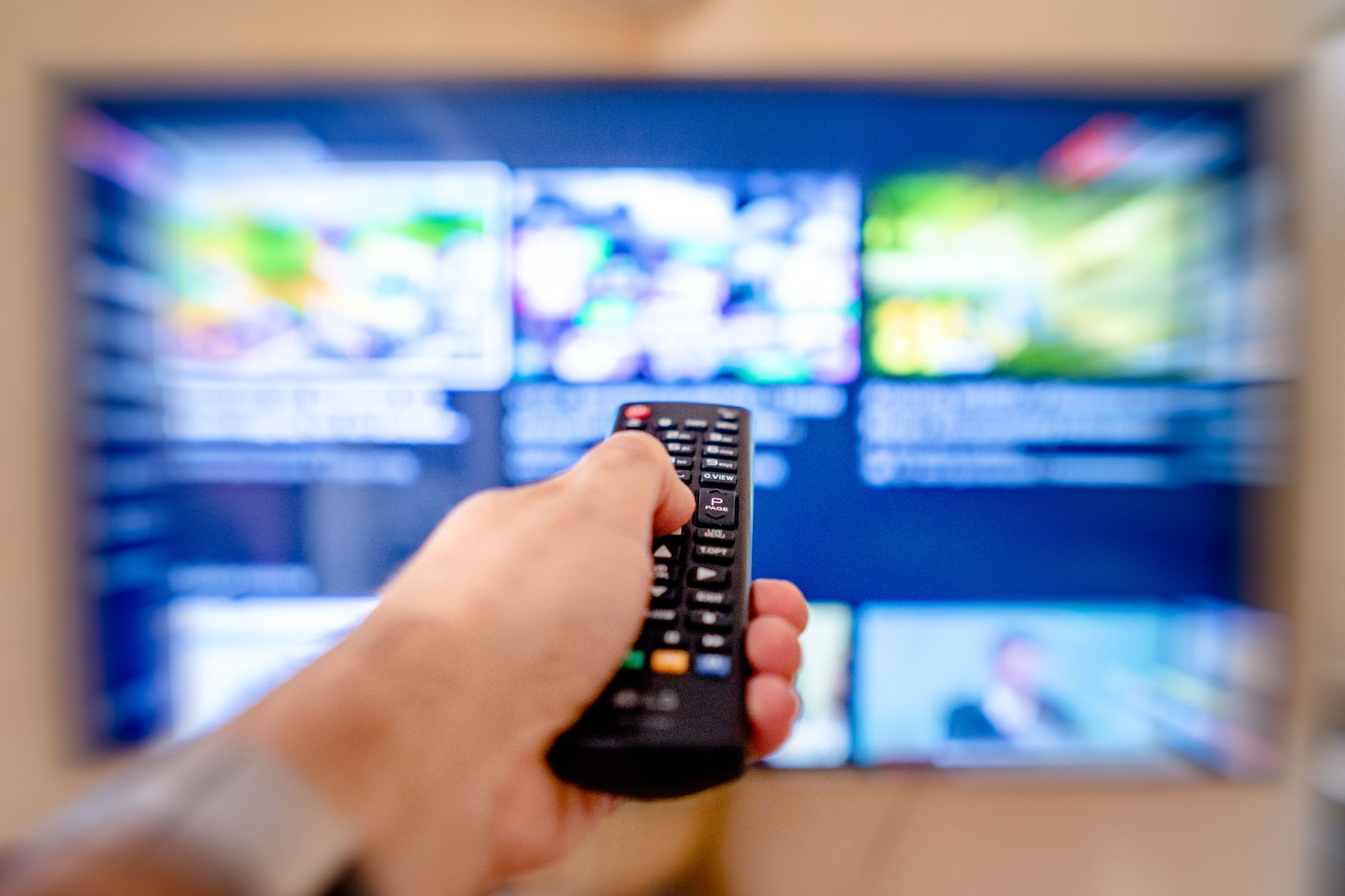
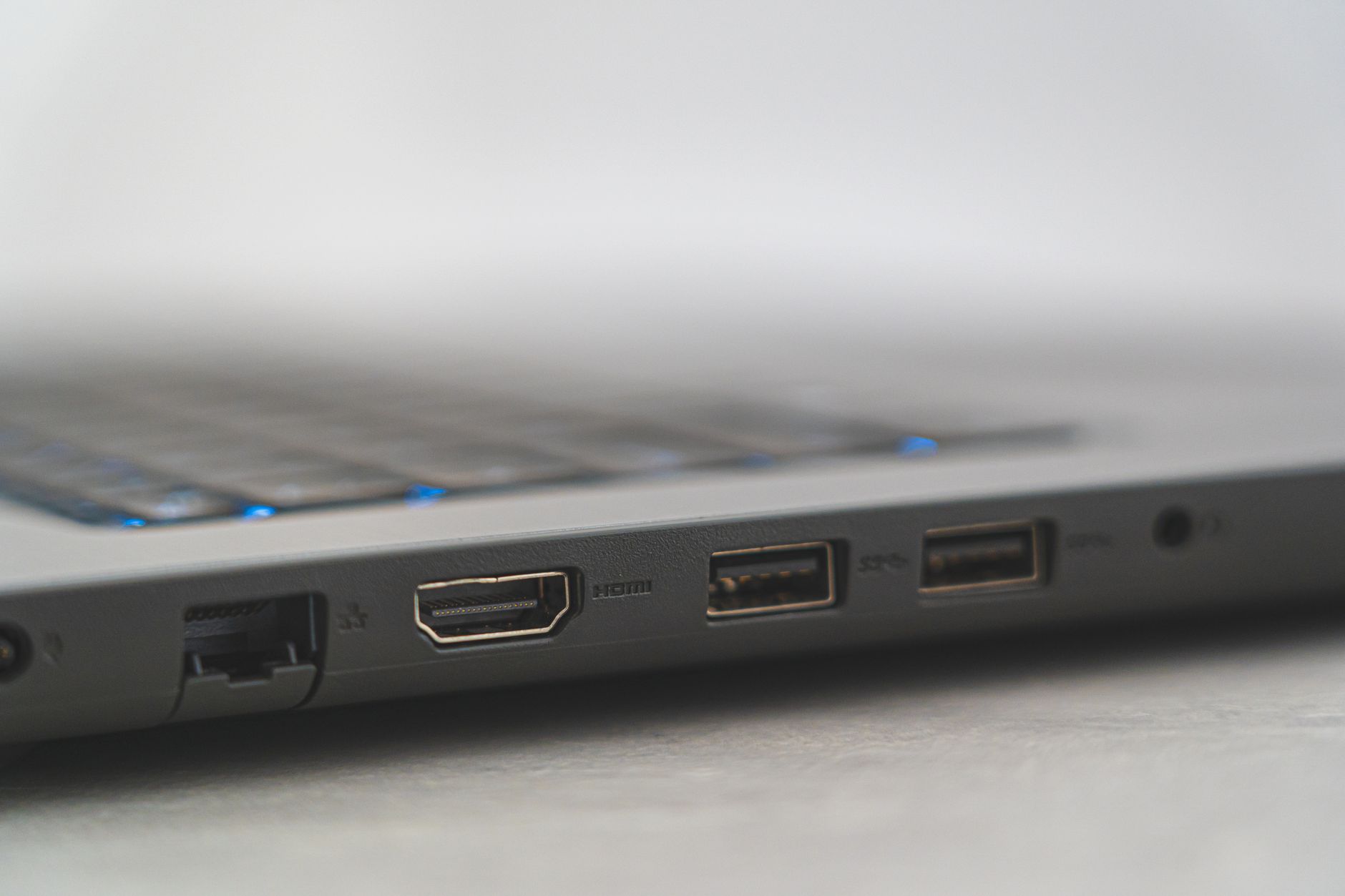
Installation is genuinely simple across every option in this category. The device plugs into the HDMI port, draws power from either a USB port on the back of the TV or a wall adapter, connects to Wi-Fi during a short setup sequence, and prompts the user to log into their streaming accounts. Most people are watching content within fifteen minutes of opening the box. The remotes that come bundled with these devices typically include physical buttons for the most popular streaming services – Fire TV remotes have a dedicated Netflix button, for example – which removes several layers of navigation compared to hunting through menus.
When Buying a New TV Actually Makes Sense
There are situations where a streaming device doesn’t solve the underlying problem. If the television itself has a deteriorating panel – fading backlight, dead pixels, or contrast that’s visibly degraded – no external device will fix that. Similarly, if the TV is old enough to lack HDMI inputs entirely, which is rare but possible for sets manufactured before roughly 2005, there’s no clean way to connect modern streaming hardware. In those cases, replacement is the correct call. But for the large majority of functional televisions sitting in living rooms and bedrooms that simply lack internet connectivity, spending $25 to $130 on a streaming device is a straightforward fix that extends the usable life of existing hardware by years.
The smarter question, given all of this, isn’t whether to buy a streaming device – it’s why the default consumer instinct still runs toward replacing an entire television when one small component is the only thing missing.