

A Quiet Mode That Sits Between Silence and Full Interruption
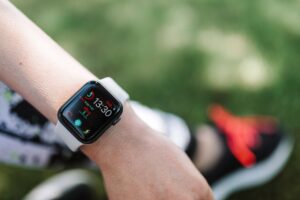
Apple Watch has more than one way to go quiet, and knowing which setting fits the moment makes a real difference. Theater Mode is not the most aggressive of the bunch – that distinction belongs to Do Not Disturb – but it handles a specific situation well enough to earn its own dedicated controls on the watch.
If you’ve ever had a wrist light up at the wrong moment in a dark room, you already understand the problem Theater Mode was built to solve. It’s a focused, situational tool, not a blanket mute switch.
What Theater Mode Actually Does
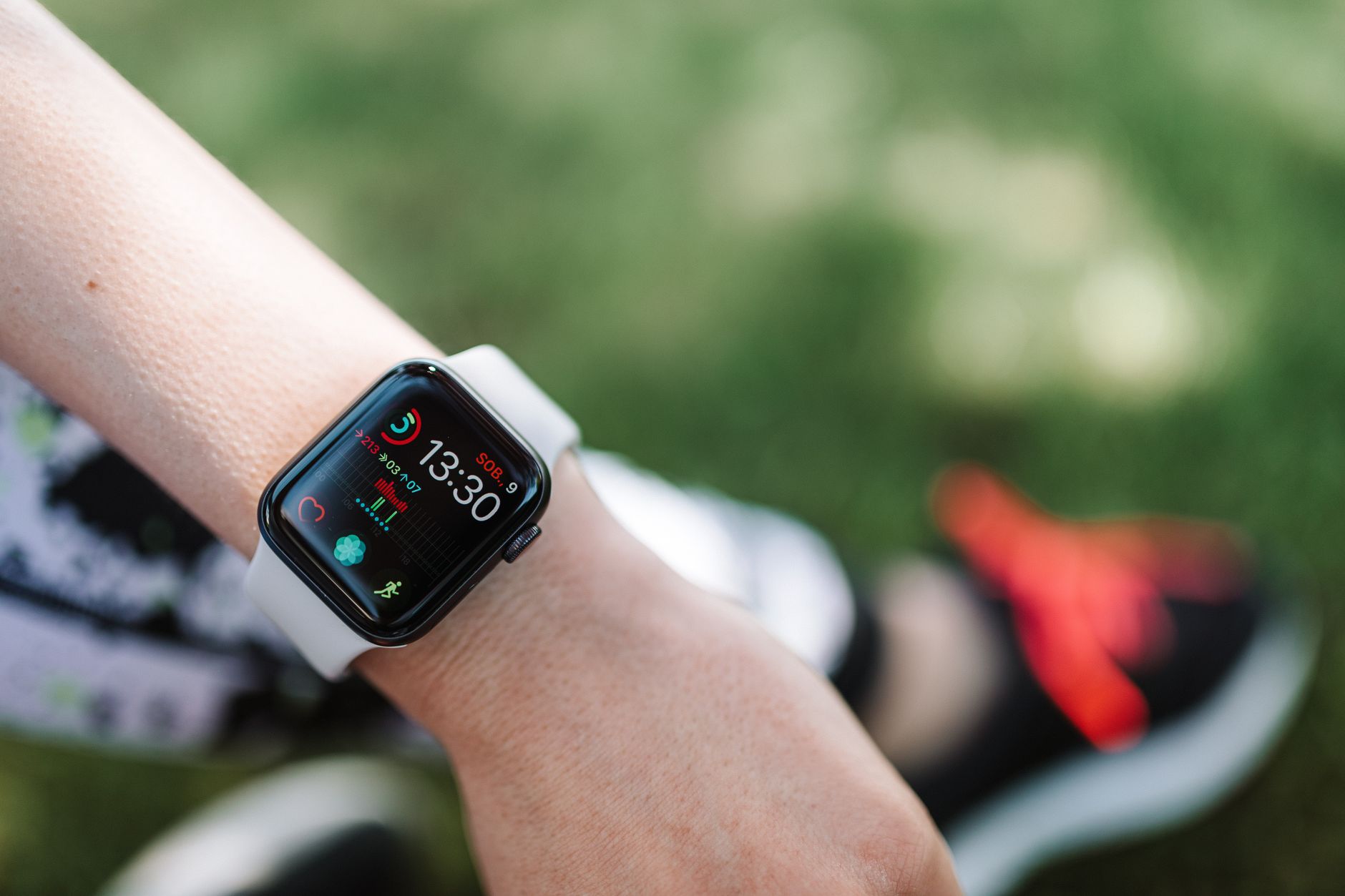
Theater Mode on Apple Watch does two things at once: it silences audible alerts and keeps the display from lighting up automatically when you raise your wrist. Normally, lifting your wrist wakes the screen – useful in most contexts, distracting in others. In a movie theater, a live performance, or any low-light setting where attention belongs elsewhere, that automatic wake behavior becomes a liability.
With Theater Mode active, the screen stays dark until you deliberately tap it or press the Digital Crown. Notifications still arrive – they are stored and waiting – but nothing announces them with sound or a flash of light. You stay informed without disrupting anyone sitting near you. That balance between staying connected and going dark is exactly what separates Theater Mode from Do Not Disturb, which takes a more blunt approach by blocking alerts more aggressively.
It also pairs naturally with Silent Mode on the watch, which handles sound. Theater Mode adds the visual suppression on top of that, covering both the auditory and display dimensions of distraction. The two together make the Apple Watch genuinely unobtrusive in shared, quiet environments – something the hardware alone cannot guarantee without software backing it up.
How It Compares to Do Not Disturb
Do Not Disturb is the harder cutoff. When that mode is active, notifications are suppressed entirely during the period – calls, alerts, and messages are held back rather than just silently delivered. Theater Mode does not go that far. It keeps the watch functional and receiving, just without broadcasting anything to the room around you.
That distinction matters depending on what you need. If you’re in a meeting and want zero chance of any notification reaching you, Do Not Disturb is the right call. If you’re at a concert or in a cinema and want to stay reachable – able to glance at a message the moment you choose to – Theater Mode holds that middle ground without cutting you off completely.
When to Actually Turn It On
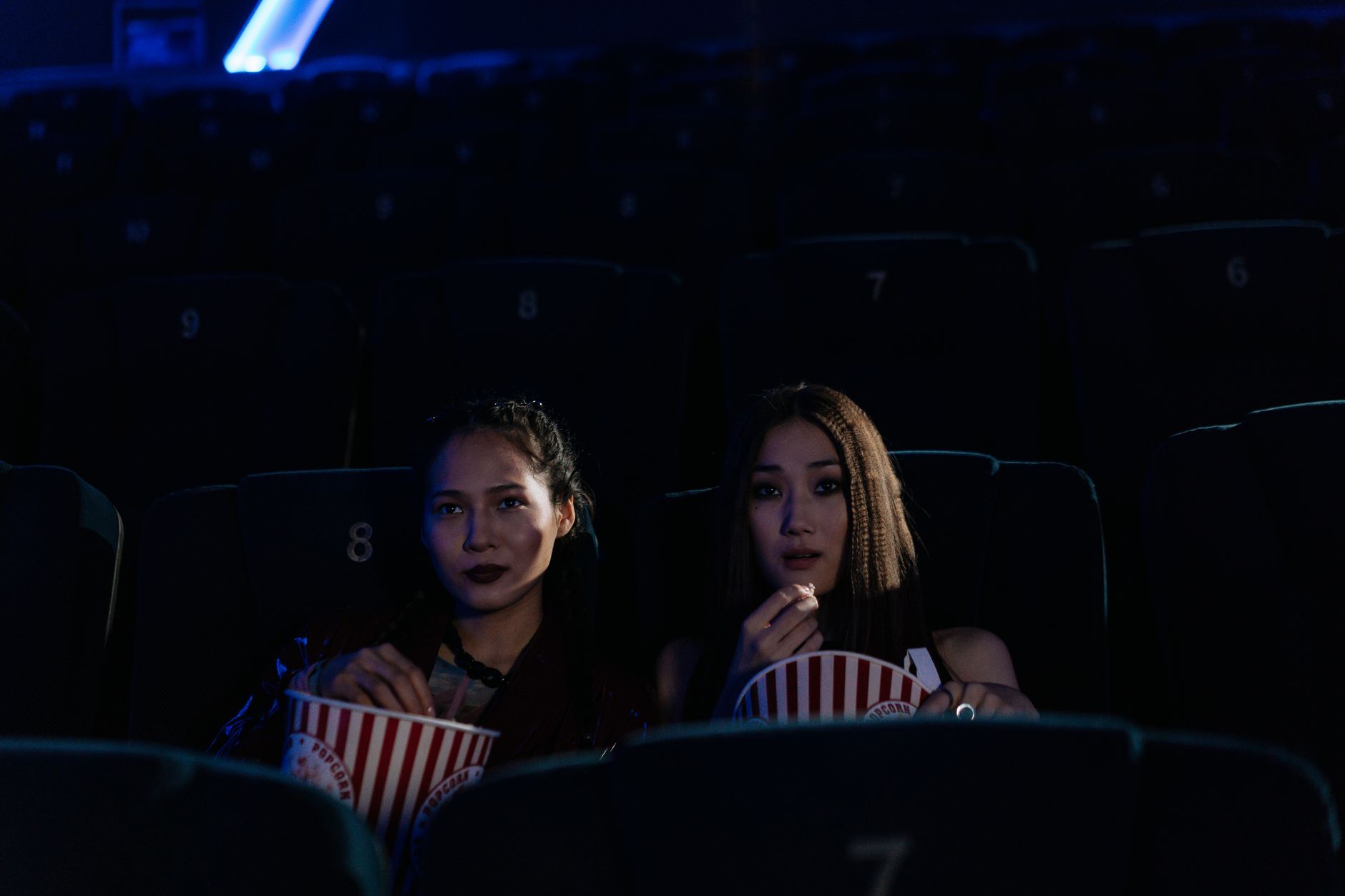
The name is obvious enough, but the use cases go further than a trip to the movies. Any setting where ambient light matters – a recording studio, a late-night flight with other passengers sleeping, a theater rehearsal, a lecture hall during a presentation – qualifies. The common thread is a dark or semi-dark environment where a glowing wrist would be conspicuous.
Enabling it is straightforward. Swipe up on the watch face to open Control Center, then tap the theater mask icon – two overlapping comedy and tragedy masks. The icon turns yellow when active. You can also enable it through the iPhone’s Watch app if you prefer to manage settings from your phone rather than the watch itself.
There is no scheduled activation for Theater Mode the way there is for Sleep Mode or some Focus configurations. It is entirely manual, which means you have to remember to turn it on before you need it and turn it off when you leave the situation. That manual dependency is its main friction point – it works well when you remember it exists, and not at all when you forget.
For anyone who regularly attends live events or works in low-light environments, building the habit of enabling it before entering the space is the practical fix. Once it becomes routine – the same way silencing a phone before a film becomes automatic – the feature works exactly as intended. The technology is stable and the execution is clean; the only variable is the user’s memory.
A Small Feature Worth Knowing
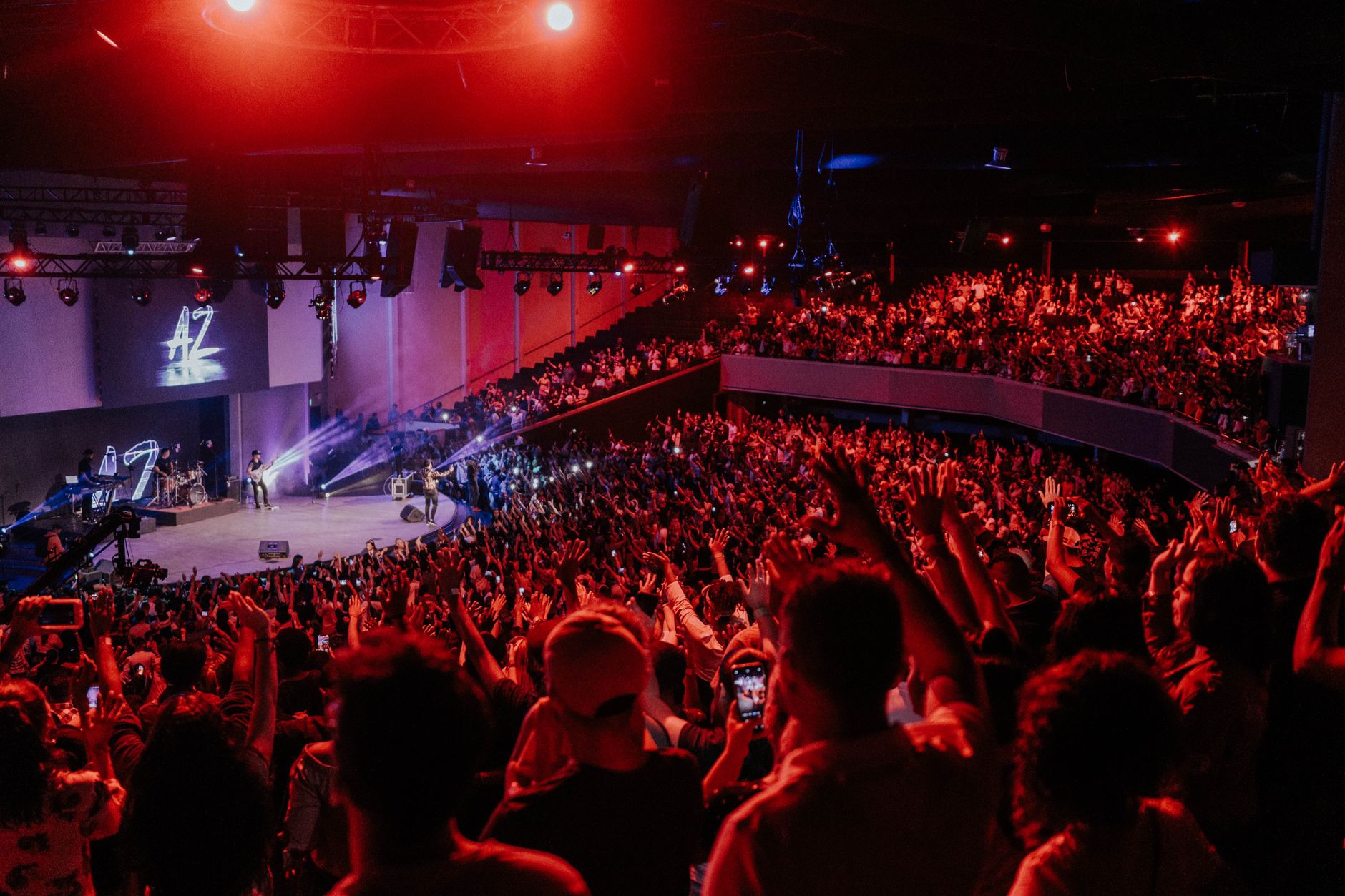
Theater Mode does not get mentioned in the same breath as more prominent Apple Watch features. It won’t appear in promotional materials alongside ECG sensors or crash detection. But for a specific, recurring problem – a glowing wrist in a dark room – it is the direct answer.
Apple Watch already handles sleep tracking, fitness metrics, and emergency alerts. Theater Mode is narrower in scope, covering one behavioral pattern that no automated system handles as cleanly. The question isn’t whether it’s worth using – it clearly is, in the right context – but whether enough Apple Watch owners know it exists before they’ve already annoyed the person sitting next to them.