


Console or PC is still the first question for anyone about to spend serious money on gaming hardware, and it usually gets answered with a price comparison. Engadget went at it from another direction: which NVIDIA graphics card gives results closest to a PlayStation 5?
It named one. It also made clear that the answer comes with caveats.
The difficulty starts with the hardware itself. The PS5 does not contain an NVIDIA GPU at all. Its graphics and processor live on a single custom AMD chip, so any “equivalent” is a judgment about how games look and run, not a part-for-part swap. Buyers building a PC to match the console are really shopping for an outcome.

Why a spec-sheet match doesn’t exist
On paper, the PS5’s graphics side is built on AMD’s RDNA 2 architecture, with 36 compute units running at up to 2.23 GHz. Sony rates it at 10.28 teraflops, and the chip draws from 16GB of GDDR6 memory shared between the processor and the GPU. Those are the figures people reach for first when they try to line the machine up against a desktop card.
Teraflops are a poor yardstick across brands, though. NVIDIA and AMD count and use their shader hardware differently, and the way each generation reports its peak numbers has changed over time. Two cards with similar teraflop ratings can deliver noticeably different frame rates in the same game. That is why a lookup table of “this GPU equals that GPU” tends to fall apart once you start playing actual titles.
Then there is the software side. A console is one fixed configuration, so developers tune a game for exactly that hardware, down to memory budgets and how data streams off the SSD. A PC game has to run on thousands of combinations of processors, graphics cards, drivers and operating system versions. A PC card with comparable raw power can land slightly ahead or slightly behind the PS5 depending on how well a given game was ported. Some titles favor the console. Others run better on the PC part. A single “closest” card is an average of a messy picture.
What “closest” is really measuring
Before comparing anything, you have to decide what you are comparing. Most PS5 games ship with more than one mode. A fidelity mode pushes higher resolution and effects at a lower frame rate, while a performance mode drops resolution to chase 60 frames per second or more. Many titles also rely on dynamic resolution, so the pixel count shifts from moment to moment. When a PC card is said to match the PS5, it is matching one of those modes in one game, not the console as a whole.
Settings add another wrinkle. Console versions often mix quality levels, with some effects set to high and others to medium, and players cannot see exactly what was chosen. On PC you pick a preset yourself, and “high” or “ultra” can demand far more than the console version ever asks for. Run a PC game at maxed-out settings against the PS5 and almost any card will look worse by comparison. Match the console’s likely settings and the same card suddenly looks much better.
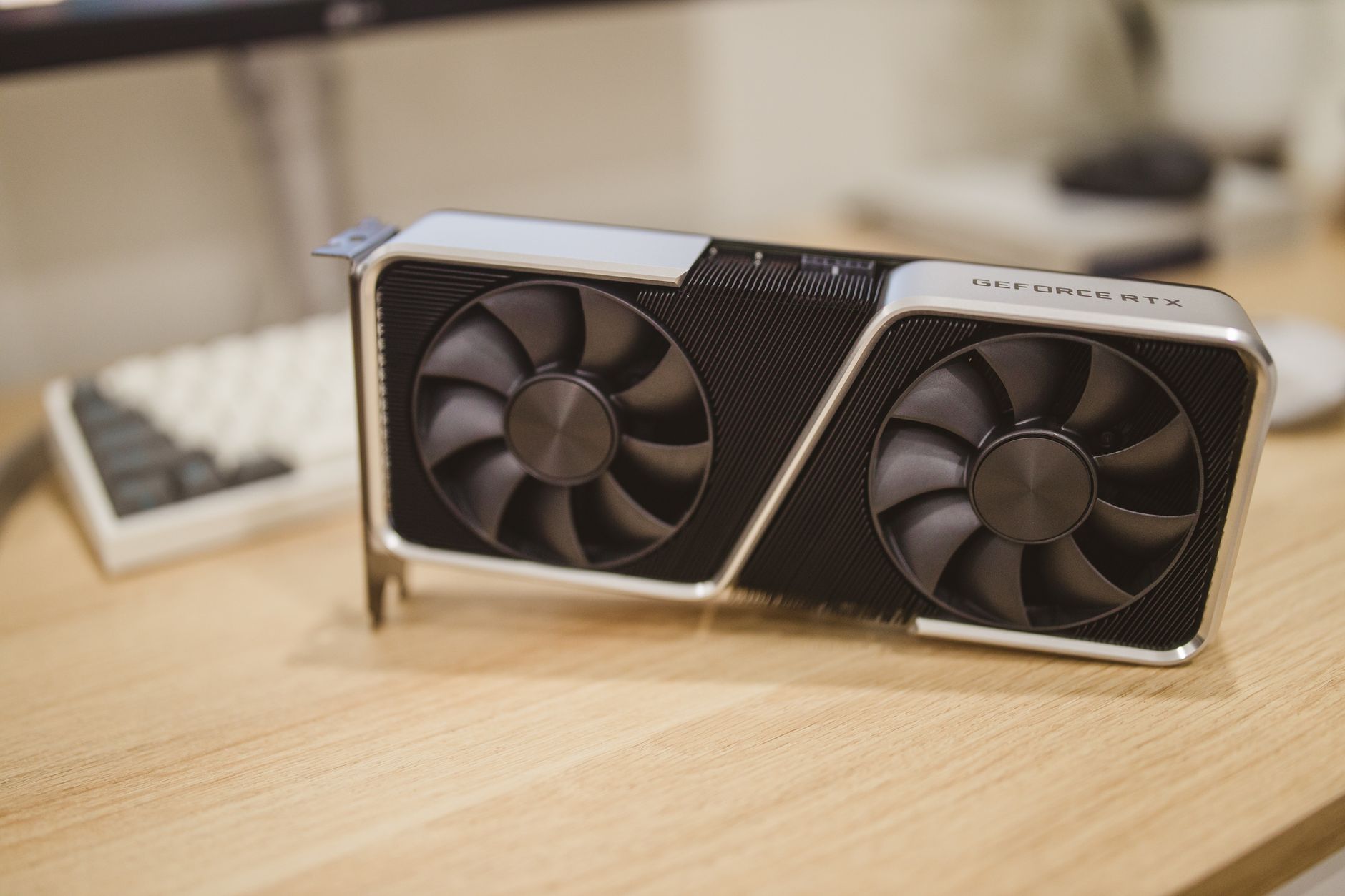
NVIDIA does bring some advantages to the comparison. Its cards support DLSS upscaling, which can reconstruct a sharp image from a lower internal resolution and often claws back performance the raw hardware would not otherwise deliver. Memory is the opposite concern: the PS5 has 16GB in a single shared pool, while many mid-range graphics cards carry less dedicated video memory. A card that matches the console in raw speed can still stumble in games that want a lot of memory for textures.
If you’re building to match a console
The GPU is only one part of the equation. A few other factors decide whether a PC build feels like a PS5 or falls short of it:
- Processor: a weak CPU will cap frame rates no matter how good the graphics card is, especially in open-world games.
- Memory: system RAM and the graphics card’s own video memory both matter, and skimping on either can cause stutter.
- Storage: the PS5 is built around a fast SSD, and games designed around that speed can load slowly or pop in textures on a sluggish drive.
- Target resolution: a card that handles 1440p comfortably may struggle with the 4K output many console owners expect.
There is also the matter of what you want from the machine. If the goal is simply to play the same games at similar quality, a card in the PS5’s performance class is enough. If you want to beat the console, with higher frame rates, ray tracing at better settings or mods, you will need to aim above it. The “closest match” is a floor, not a recommendation.
Anyone shopping this way also has to account for the rest of the bill. A PC needs a case, a power supply, a motherboard, a cooler and an operating system, while the console arrives in a box ready to plug in. Matching the PS5’s output is the easy part. Matching its simplicity is harder.
One card, many asterisks
So Engadget’s pick is a useful starting point, but treat it as a benchmark for one kind of play at one kind of setting. If a PC built around that card runs your favorite game at the resolution and frame rate you like, does it matter whether it perfectly mirrors a PS5?