


Spatial Audio From a Standard Stereo Headset
Most gamers already own a decent pair of stereo headphones. The question is whether those headphones are doing everything they could – and Dolby Atmos for Headphones makes a specific argument that they are not. The technology promises to deliver spatial audio through any standard stereo pair, which is a meaningful claim given how many players spend serious money on hardware without touching the software layer sitting underneath it.
Dolby Atmos for Headphones is available on both PC and Xbox, and both platforms offer a free trial before any purchase is required. That alone changes the calculus for skeptical buyers – you can actually test the effect in your own setup before committing to anything.
How the Technology Works on Standard Hardware
The core premise is straightforward: Dolby Atmos for Headphones takes audio that was mixed with height and positional data – sound placed above, below, left, and right of a listener – and processes it through algorithms designed to simulate how those sounds would reach your ears in three-dimensional space. Your brain interprets the resulting cues as directional audio, even though the signal is ultimately delivered through two drivers sitting against your ears. The technical term for this kind of processing is binaural rendering, and Dolby’s implementation is one of the more polished versions commercially available.
The effect is most noticeable in content that was actually mixed with Atmos in mind. Games, films, and streaming content built around object-based audio – where individual sounds are assigned positions in space rather than channels – give the system the most material to work with. Playing a game that uses a basic stereo or 5.1 mix runs the audio through an upmixing process, which can help but delivers noticeably less convincing results than native Atmos content.
On Xbox, Dolby Atmos for Headphones is integrated directly into the console’s audio settings, which means setup is largely handled through the system menu rather than any third-party app. On PC, users install the Dolby Access app from the Microsoft Store, which manages the license and lets you toggle the processing on or off. Neither setup requires special hardware – the processing happens in software, so any headphones connected through standard audio output or USB will work with it.
The Free Trial and What It Costs After
Both the PC and Xbox versions include a free trial period, which is the logical starting point for anyone unsure whether spatial audio processing makes a difference to their ears. Hearing response is subjective enough that no amount of specification-reading substitutes for actually listening. Some people find virtualized surround convincing from the first session; others never quite adjust to it, particularly if they are accustomed to the direct stereo image that audiophile headphones tend to produce.
After the trial, a one-time purchase unlocks permanent access. This is different from the subscription model that some competing spatial audio services use, which makes Dolby’s pricing structure relatively straightforward for anyone planning long-term use.
Is It Worth It for Gaming Specifically
Gaming is arguably the strongest use case for headphone-based spatial audio, stronger than film or music, because games are interactive environments where positional awareness carries tactical value. Knowing whether a footstep is above you, behind you, or coming from a specific angle is not just an aesthetic preference – in competitive shooters, it directly affects reaction time and decision-making. Dolby Atmos for Headphones is designed to sharpen exactly that kind of directional cue.
The genres that benefit most are predictable: first-person shooters, survival horror, open-world games with complex ambient soundscapes, and any title where environmental audio carries gameplay information. A game like a military shooter, where the difference between a sound coming from the left corridor versus the one ahead matters during a firefight, gives spatial processing a practical function rather than just an atmospheric one.
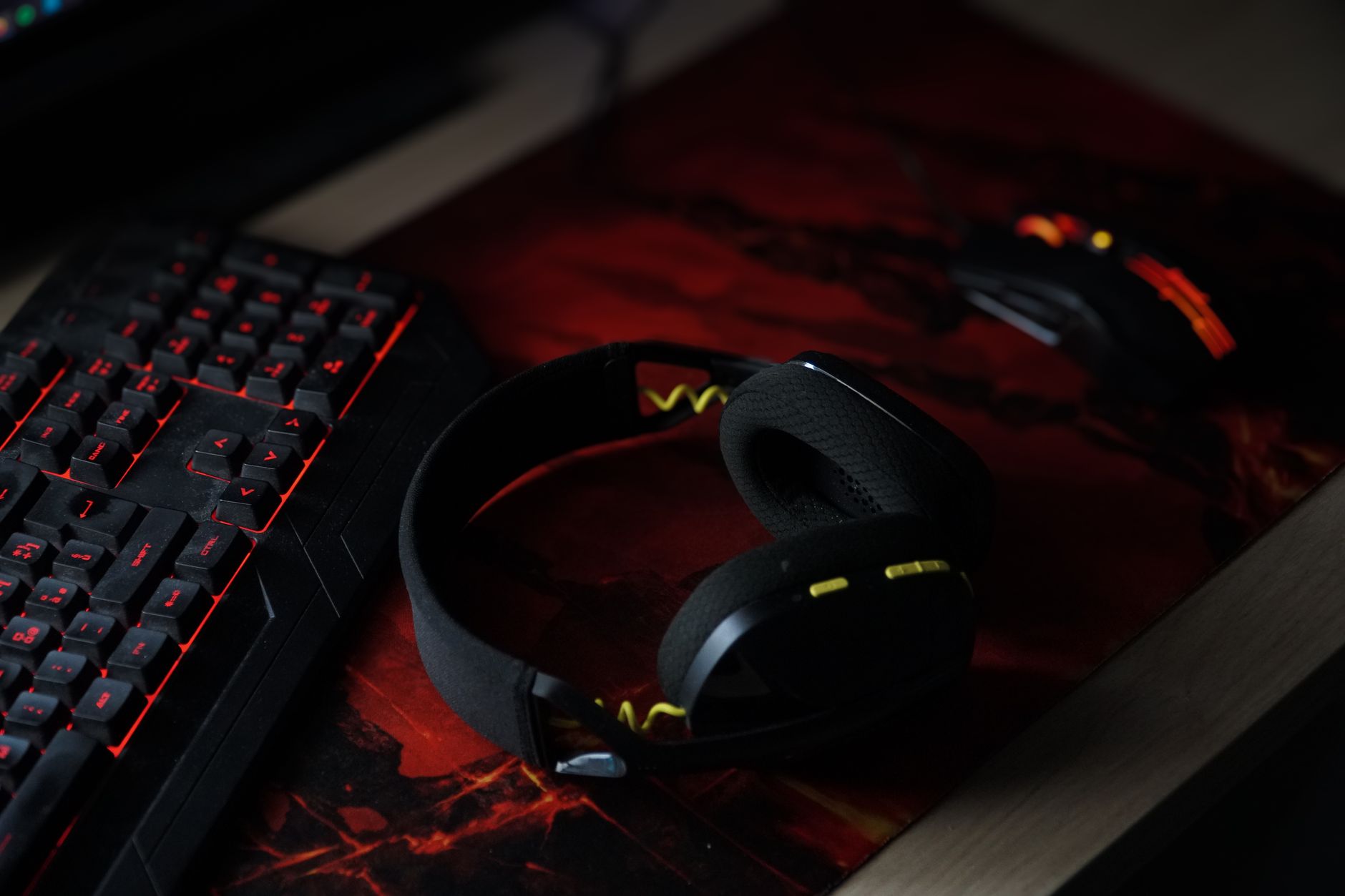
The weaker argument for Dolby Atmos for Headphones applies to players who primarily use gaming headsets that already have their own proprietary spatial audio built in. Many mid-range and high-end gaming headsets ship with software suites – SteelSeries Sonar, Razer Surround, Logitech G Hub – that include their own virtualization processing. Running two spatial audio systems simultaneously can introduce artifacts and phase issues rather than stacking benefits. In that situation, Dolby Atmos for Headphones is best treated as an alternative rather than an addition.
For players using a quality pair of standard stereo headphones – studio monitors, consumer earphones, or any headset without its own spatial processing suite – the technology has a clear purpose. It adds a layer that was not there before, using Dolby’s established audio processing to interpret positional data that would otherwise be lost in a flat stereo mix.
The Honest Limitation
No software-based spatial audio system fully replicates the experience of a physical surround sound setup. The virtualization depends on psychoacoustic tricks – filtering, timing delays, and reverb cues that suggest directionality rather than produce it physically. For many listeners in gaming scenarios, those tricks are convincing enough to change how they play. For others, the effect remains unconvincing regardless of how good the underlying processing is, because individual ear geometry affects how binaural audio is perceived.
That is precisely why the free trial matters more than any feature comparison. Dolby Atmos for Headphones is technically sound and built on a format with genuine adoption across games, streaming services, and film production – but whether it works for a specific person wearing a specific pair of headphones in a specific game is something only that person can answer after actually using it.
The trial exists on both PC and Xbox. The question is whether players who have never touched their system’s audio settings are even aware it is sitting there, available, and free to test.