


Cutting the Cable Isn’t Always a Clean Break
Android Auto went wireless, and on paper it sounds like a straightforward upgrade. No more fumbling for a USB cable when you get into the car, no more frayed connectors, no more choosing between charging your phone and running navigation. The feature works as advertised – most of the time. But “most of the time” is doing a lot of heavy lifting in that sentence, and anyone considering the switch deserves an honest account of what they’re actually trading away.
The convenience is real. Connecting to your car’s infotainment system without plugging anything in genuinely reduces friction, especially on short trips where you’d otherwise spend more time connecting than driving.
What doesn’t get mentioned in the feature highlight reels are the battery drain, the occasional connection hiccups, and the latency that wired connections simply don’t have. This review breaks down both sides so you can decide whether going wireless makes sense for how you actually use your car.
The Case For Going Wireless
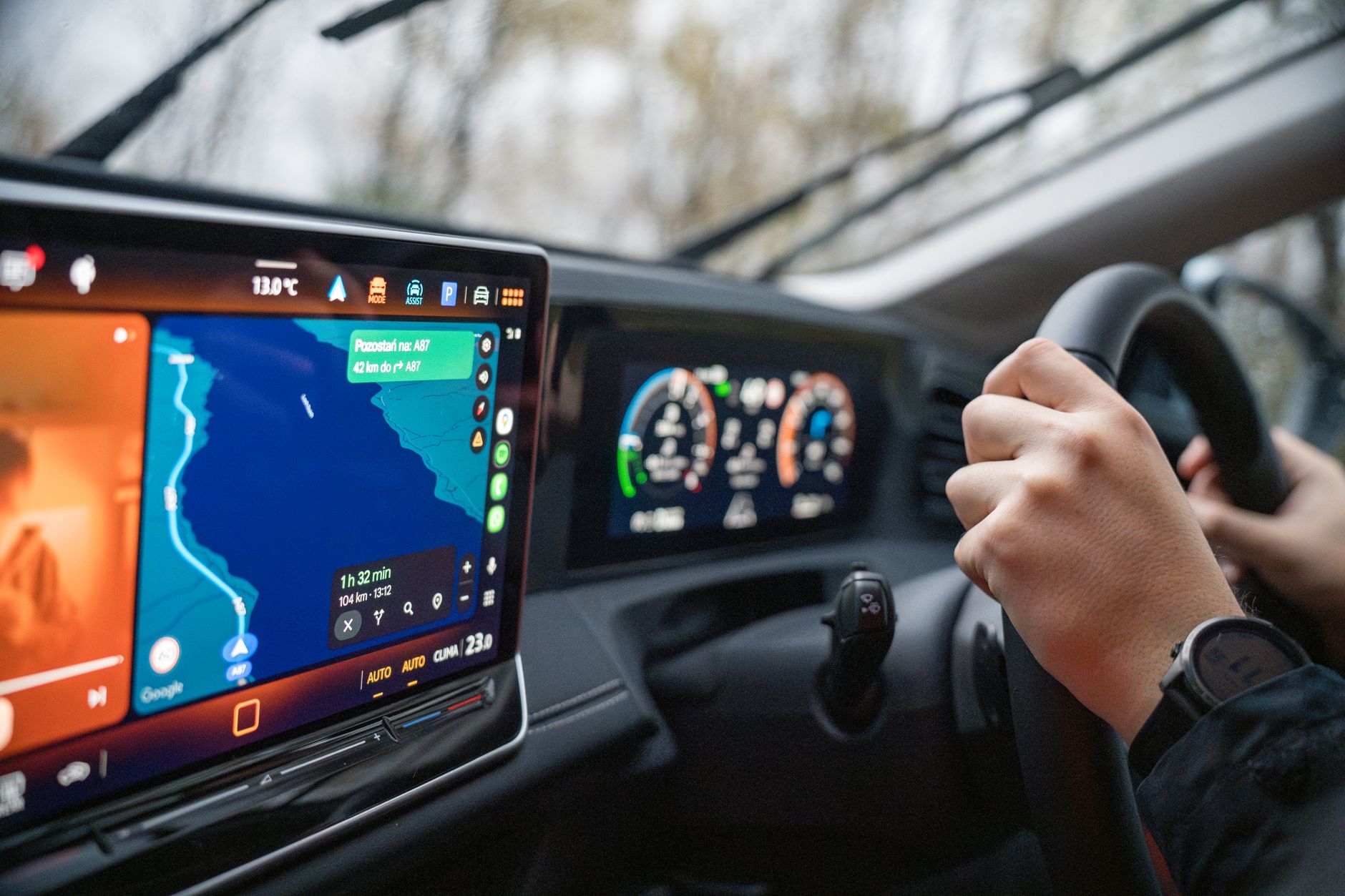
The most obvious benefit is the one that sells the feature in the first place: you walk to your car, get in, and Android Auto connects automatically over Wi-Fi and Bluetooth without any physical interaction required. Your maps load, your music picks up, your messages are ready to read aloud – all before you’ve adjusted your mirrors. For drivers who use Android Auto on every single trip, that daily elimination of a small but annoying task adds up.
There’s also a practical durability argument. USB-C ports on phones take damage over time, and repeatedly plugging and unplugging a cable – especially at odd angles in a car mount – accelerates that wear. Going wireless means your phone’s port stays unused during driving, which extends its functional life. Car-side USB ports face the same wear pattern, so the argument holds on both ends of the cable.
Wireless Android Auto also allows more flexibility in where you physically place your phone inside the vehicle. Without a cable tethering it to a specific port location, you can mount your phone somewhere more ergonomically convenient, use a wireless charging pad on the center console, or simply drop it in a cupholder. That freedom of placement is a minor quality-of-life improvement, but it’s consistent and real.
Where Wireless Falls Short
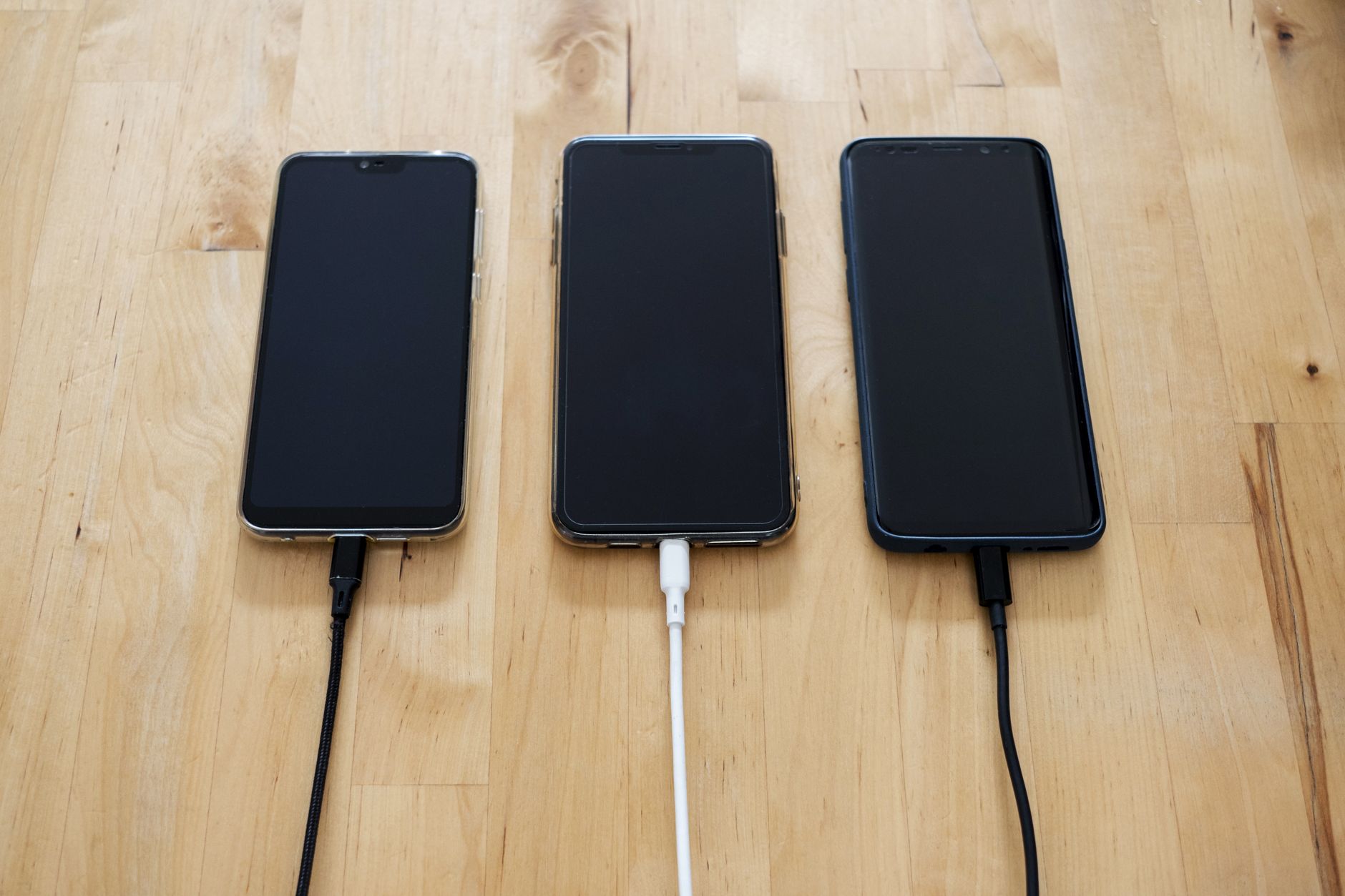
Battery drain is the most significant practical downside. Running Android Auto wirelessly demands more from your phone than the wired version does, because the phone is simultaneously maintaining a Wi-Fi connection, processing the interface, and doing all of this without drawing power from the car through a charging cable. Unless you have a wireless charging pad in your vehicle, your phone battery will decline during trips – sometimes noticeably on longer drives. Drivers who commute an hour each way or take regular road trips will feel this more acutely than someone running a ten-minute errand.
Connection reliability is the other major variable. Wireless Android Auto depends on a stable handshake between your phone’s Bluetooth and your car’s Wi-Fi hotspot, and that process doesn’t always go smoothly. Some users encounter delays on startup, occasional drops mid-trip, or situations where the system simply fails to connect and requires manual intervention – exactly what the feature was supposed to eliminate. The consistency of this experience varies by phone model, car manufacturer, and even software version, which makes it difficult to predict before you’ve actually tested it in your specific setup.
Latency is a subtler issue that becomes noticeable primarily when interacting with the interface directly. Tapping a button on the screen or issuing a voice command can feel slightly less immediate compared to a wired connection, where data moves faster and the system responds more crisply. For most use cases – listening to music, following navigation – the difference is negligible. For drivers who interact with the infotainment screen frequently while driving, the small lag can feel like friction of a different kind. It’s worth noting that Android Auto’s wireless functionality requires compatible hardware on both the phone and vehicle side, so older cars are effectively excluded from the option entirely regardless of personal preference.
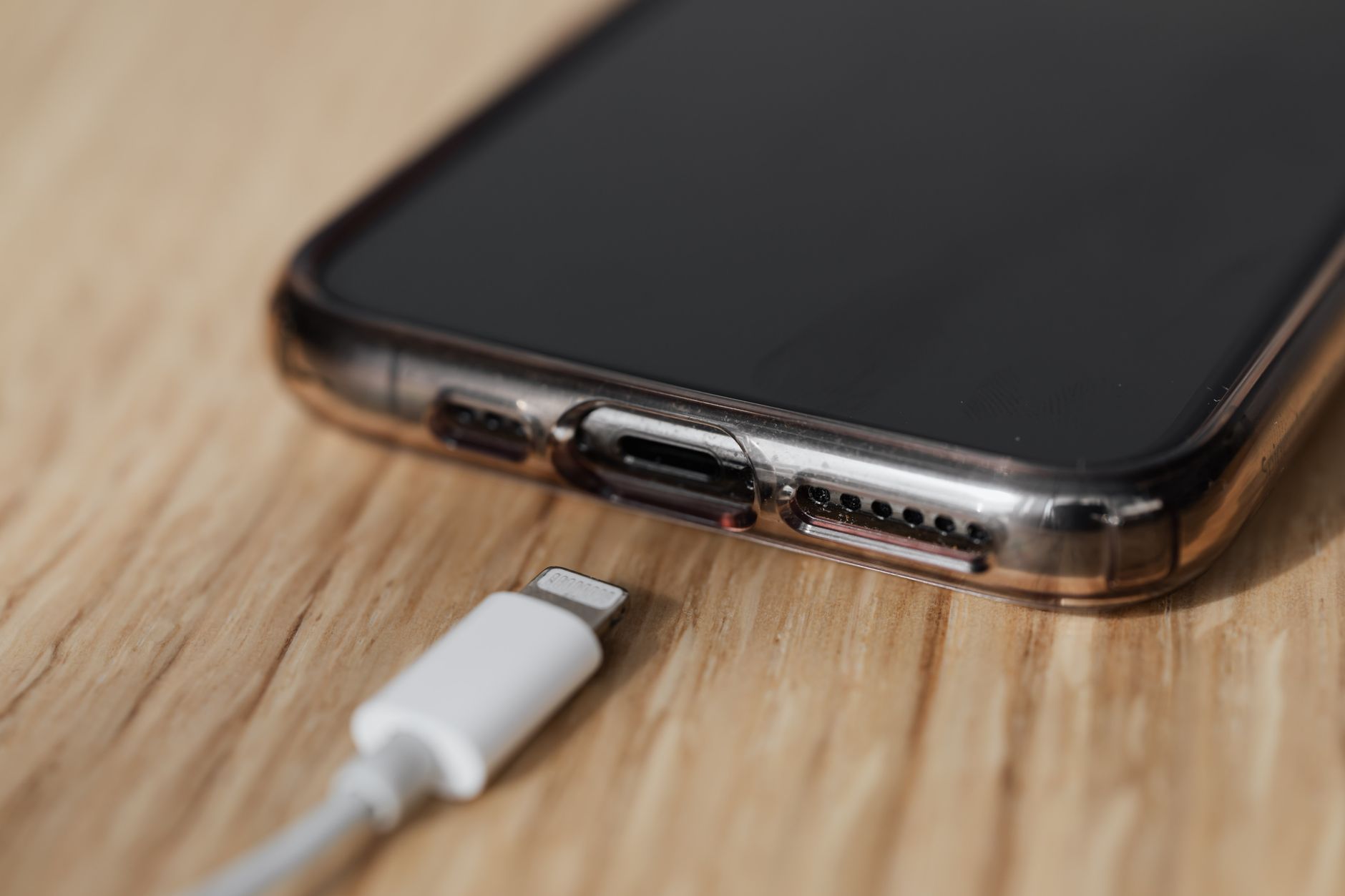
Which Setup Actually Makes Sense
Wireless Android Auto is a better experience when your car has a built-in wireless charging pad, your commute is short, and the connection between your specific phone and vehicle has proven stable through real-world testing. Wired Android Auto remains the more dependable option for anyone prioritizing reliability, using an older vehicle, or making long drives where battery management matters. The cable hasn’t disappeared – it’s just become the conservative choice.