


What You Need to Know
Walk into the Metropolitan Museum of Art, the Louvre, or the Smithsonian today, and you’ll notice something different. Visitors aren’t just reading wall plaques anymore. They’re holding up phones and tablets, watching ancient artifacts come alive through augmented reality overlays that reveal hidden details, historical context, and interactive 3D models.
Major museums worldwide are rapidly adopting AR exhibition guides, transforming how millions of visitors experience art, history, and culture. The Rijksmuseum in Amsterdam launched AR tours that let visitors see Rembrandt’s “The Night Watch” in its original colors. The Natural History Museum in London uses AR to bring dinosaur skeletons to life. The Vatican Museums offer AR experiences that reconstruct ancient Roman frescoes in their original glory.
This shift represents more than just a tech upgrade. Museums are solving real problems: declining attendance among younger demographics, language barriers for international visitors, and the challenge of making static exhibits engaging in an increasingly digital world. AR exhibition guides offer museums a way to provide personalized, interactive experiences while preserving the authenticity of their collections.

Step 1: Choose Your AR Platform Strategy
Museums typically select between three main approaches for AR implementation. The first option involves developing dedicated mobile apps that visitors download before or during their visit. The Metropolitan Museum’s AR app allows users to explore Egyptian artifacts with detailed 3D reconstructions and historical timelines.
Web-based AR represents the second approach, requiring no downloads. Visitors simply scan QR codes with their phone cameras to access AR content through their browsers. This method reduces friction and works across all smartphone types, making it particularly popular with international visitors.
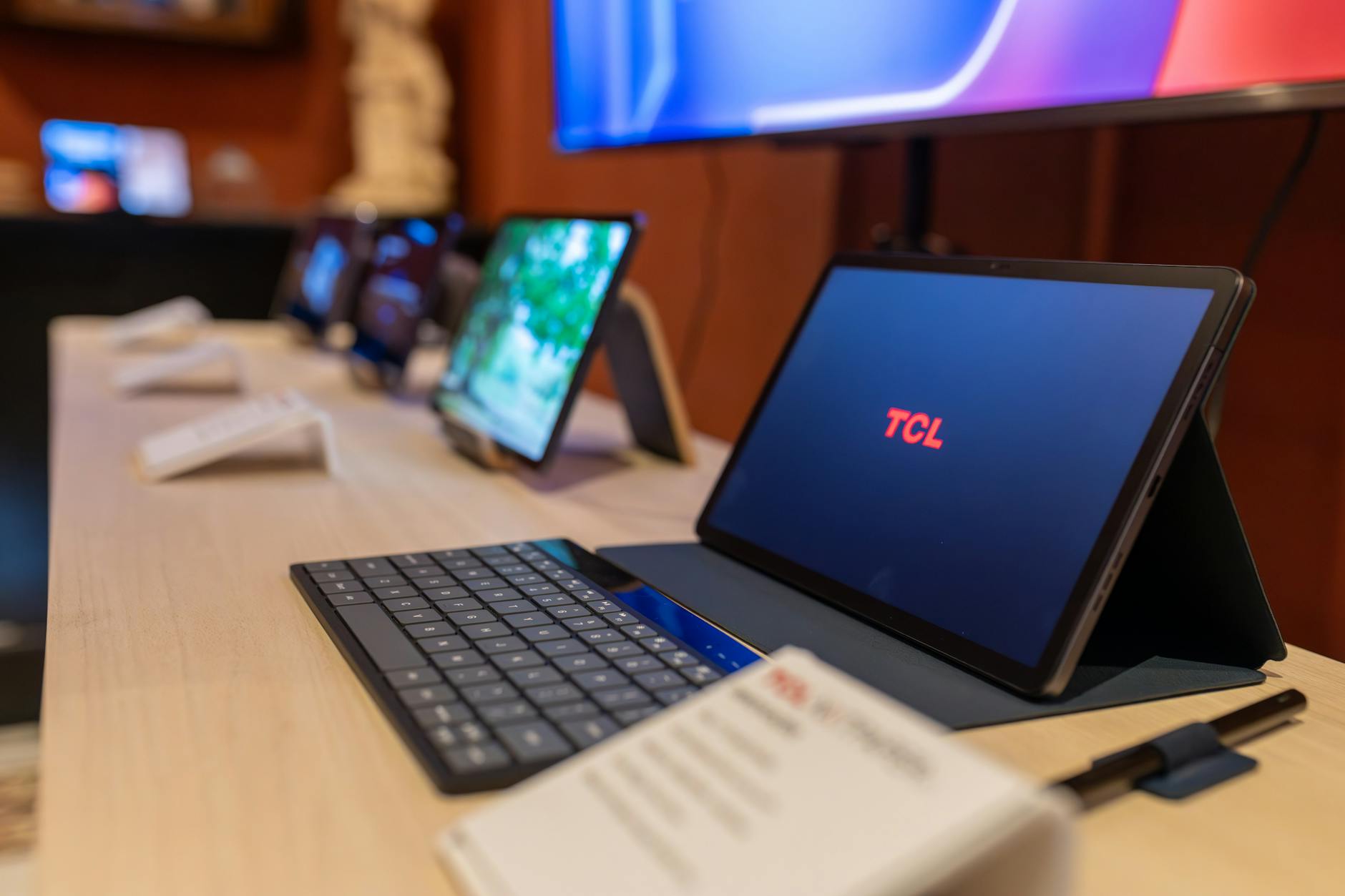
The third strategy involves providing dedicated AR devices like tablets or smart glasses. The Smithsonian’s Hirshhorn Museum loans tablets pre-loaded with AR content, ensuring consistent performance regardless of visitors’ personal devices.
Consider your audience demographics, technical support capabilities, and budget when choosing your approach. Museums with strong tech teams often prefer custom apps for maximum control, while those prioritizing accessibility lean toward web-based solutions.
Step 2: Design Content That Enhances Rather Than Replaces
Successful museum AR experiences complement physical exhibits without overwhelming them. The key lies in providing information and perspectives impossible to achieve through traditional displays.
Start by identifying your most impactful use cases. Archaeological museums excel at AR reconstructions showing how ancient sites appeared in their prime. Art museums use AR to reveal hidden layers in paintings or show how artworks looked before restoration. Natural history museums bring extinct creatures to life in their original habitats.
Content should be layered, allowing visitors to choose their depth of engagement. Basic AR overlays might provide quick facts and artist information. Intermediate levels could include historical context and creation techniques. Advanced content might offer scholarly analysis or connections to other works in the collection.
Work closely with curators to ensure AR content maintains scholarly accuracy while remaining accessible. The goal is enhancing understanding, not creating entertainment that distracts from the actual artifacts.
Step 3: Address Technical Infrastructure Requirements
AR exhibition guides demand robust technical infrastructure that many museums initially underestimate. High-speed WiFi becomes critical when hundreds of visitors simultaneously stream AR content. The Tate Modern upgraded their network capacity by 400% before launching their AR program.
Consider device compatibility across the smartphone ecosystem. iOS and Android devices handle AR differently, requiring separate development approaches or cross-platform frameworks. Test extensively on older devices that international visitors commonly carry.
Battery drain presents another challenge. AR applications consume significant power, potentially leaving visitors with dead phones mid-visit. Install charging stations throughout exhibition spaces and consider providing portable battery packs for longer tours.
Cloud storage and content delivery networks ensure AR assets load quickly regardless of visitor volume. Museums with global audiences benefit from distributed servers that reduce loading times for international visitors.
Step 4: Train Staff and Create Support Systems
Museum staff need comprehensive training before AR launches. Front desk personnel should understand how to help visitors download apps, connect to WiFi, and troubleshoot basic technical issues. Security guards often become impromptu tech support, requiring basic AR troubleshooting knowledge.
Create multilingual support materials and video tutorials. Visual guides work particularly well for international visitors who may struggle with written instructions. QR codes linking to help videos should be prominently displayed throughout exhibition spaces.
Establish clear protocols for handling technical difficulties. Staff should know when to escalate issues to IT support versus providing on-the-spot assistance. Consider having dedicated tech support staff during peak visiting hours.
Regular staff feedback sessions help identify common visitor problems and improve the AR experience over time. Staff observations often reveal usage patterns that analytics miss.
Step 5: Measure Success and Iterate
Define success metrics before launching your AR program. Traditional metrics include visitor engagement time, app downloads, and user retention rates. However, museums should also track qualitative measures like visitor satisfaction surveys and educational impact assessments.
Analytics platforms specifically designed for AR applications provide insights into how visitors interact with different content elements. Heat maps show which exhibits generate the most AR engagement, while session duration data reveals optimal content length.
Gather visitor feedback through multiple channels. Post-visit surveys, in-app feedback forms, and social media monitoring provide different perspectives on user experience. Pay particular attention to accessibility concerns and language barrier issues.
Use data to continuously refine content and user interface elements. A/B testing different AR approaches helps identify the most effective formats for your specific audience and collection types.
Similar to how major retailers are installing facial recognition payment systems to streamline customer experiences, museums are leveraging AR technology to create more engaging and informative visitor interactions.
Step 6: Plan for Long-term Sustainability
AR exhibition guides require ongoing investment beyond initial development costs. Content updates, software maintenance, and hardware upgrades create recurring expenses that museums must budget for long-term.
Establish partnerships with technology companies or universities to share development costs and expertise. Many museums collaborate with computer science departments, providing real-world testing environments in exchange for technical development support.
Consider revenue opportunities through premium AR content or enhanced tours. Some museums offer basic AR features for free while charging for in-depth experiences or specialized tours. The Louvre’s AR partnership with HTC generated significant revenue while enhancing visitor experiences.
Plan for technology evolution by building flexible systems that can adapt to new AR platforms and devices. Today’s smartphone-based AR may evolve into smart glasses or other wearable technologies within the next few years.
Key Takeaways
Museums installing AR exhibition guides are responding to visitor expectations shaped by ubiquitous smartphone technology and social media culture. Success requires careful planning across technical infrastructure, content development, staff training, and long-term sustainability.
The most effective AR implementations enhance rather than replace traditional museum experiences. They provide impossible perspectives – showing ancient buildings in their original state, revealing hidden artwork layers, or bringing extinct creatures to life – while maintaining respect for authentic artifacts.
Technical considerations extend beyond app development to include robust WiFi networks, device compatibility, and visitor support systems. Museums must invest in comprehensive staff training and create multilingual support resources for diverse international audiences.
Long-term success depends on continuous iteration based on visitor feedback and usage analytics. Museums should plan for ongoing content updates, technology upgrades, and potential platform migrations as AR technology continues evolving.
The shift toward AR exhibition guides represents a fundamental change in museum visitor expectations. Institutions that embrace this technology thoughtfully, with proper planning and adequate resources, position themselves to engage new audiences while enhancing experiences for traditional museum-goers.
Frequently Asked Questions
Do I need to download an app to use museum AR guides?
It depends on the museum. Some use downloadable apps while others offer web-based AR through QR codes that work directly in your browser.
Will AR guides work on older smartphones?
Most museums design AR experiences to work on devices from the past 3-4 years, though performance may vary on very old phones.