

Two Wallets, One Platform, Different Priorities
Both Google Wallet and Samsung Wallet run on Android and handle the same basic job – storing cards, passes, tickets, and IDs in one place – but the ways they do it, and how far they extend beyond the basics, are where the two apps start to diverge in ways that actually matter for daily use.
The Core Features Both Apps Share
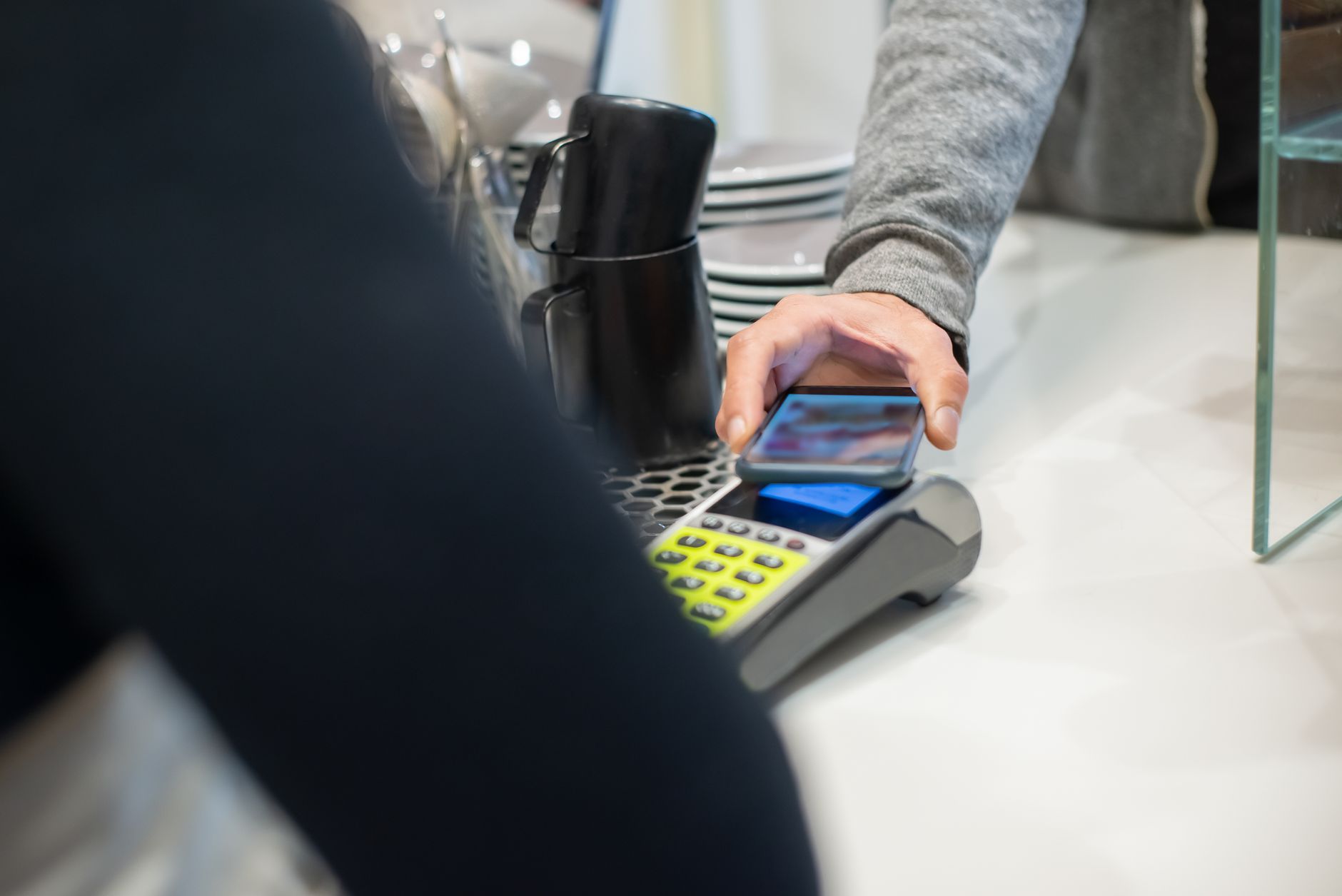
At their foundation, Google Wallet and Samsung Wallet cover the same ground. Both support contactless payments through NFC, meaning you can tap to pay at any terminal that accepts mobile payments. Both store credit and debit cards, loyalty cards, boarding passes, event tickets, and transit passes. Both also support digital IDs in states and regions where that option is available, letting users carry a government-issued credential without reaching for a physical wallet.
Neither app requires you to enter the physical payment ecosystem from scratch. If you already use a card with Google Pay infrastructure – which Google Wallet runs on – or if your bank has already partnered with Samsung’s payment system, setup is a matter of minutes. The onboarding experience on both sides is straightforward, with camera-based card scanning to avoid manual number entry.
Pass storage is another area of common ground. Flight boarding passes, concert tickets, and gym membership cards can live in either app. When a flight time changes or a gate updates, both wallets can surface those updates automatically, pulling from the original pass issuer. This kind of behind-the-scenes sync is something users rarely notice until it saves them from missing a connection.
The overlap is real, and for many Android users – especially those who switch between a Samsung device and a stock Android phone – either app would serve adequately. But adequately is not the same as optimally, and that gap becomes visible when you go past the shared feature list.
Where Samsung Wallet Goes Its Own Direction
Samsung’s app carries a distinct advantage for users already inside the Samsung ecosystem. The wallet integrates directly with Samsung Pay, which for years maintained support for Magnetic Secure Transmission – a technology that mimics a magnetic stripe swipe, allowing payments at terminals that don’t support NFC. While MST support has been scaled back in newer Samsung devices as NFC adoption has grown, its historical presence gave Samsung Wallet broader terminal compatibility than Google Wallet ever offered.
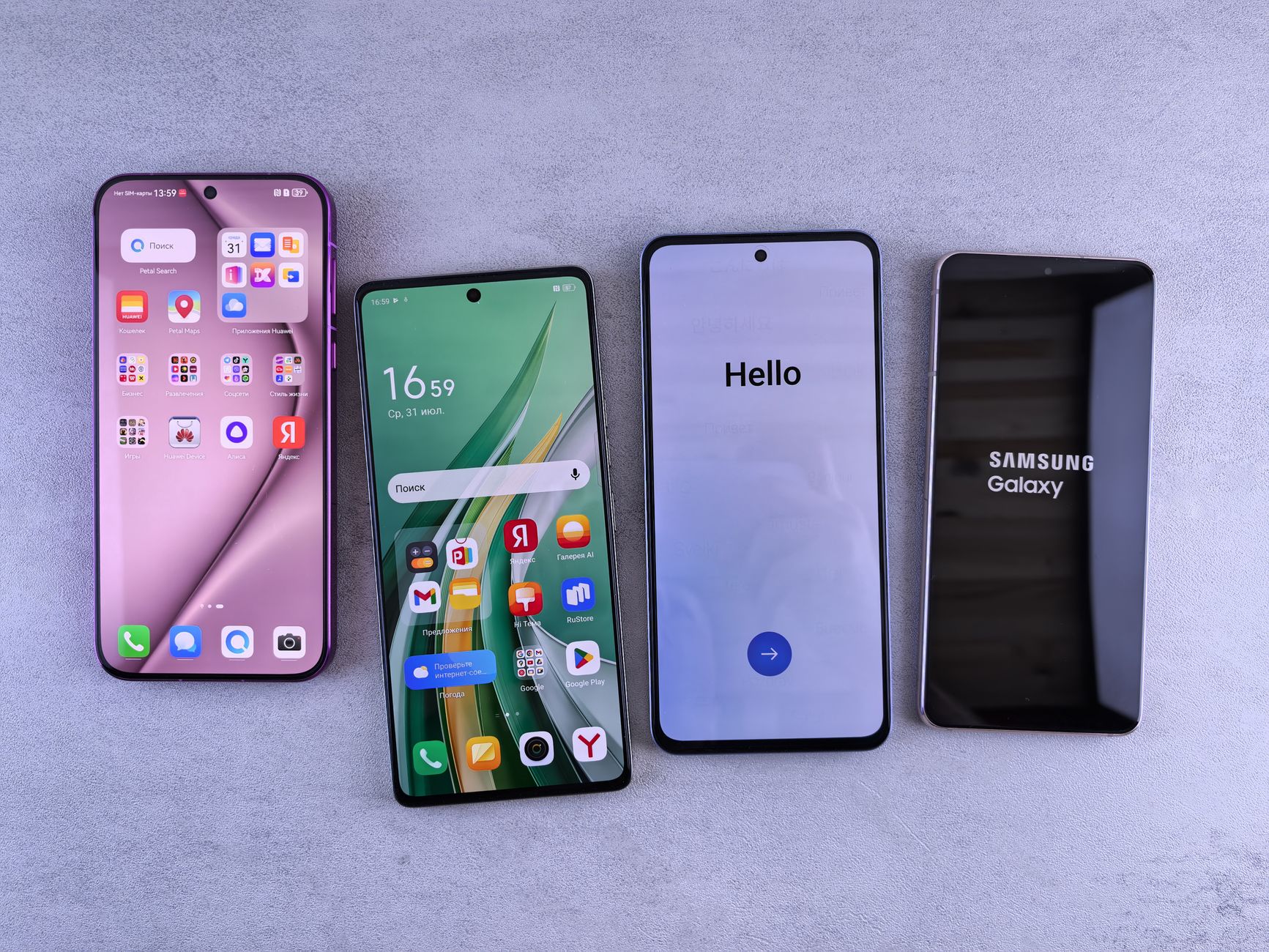
Samsung Wallet also connects tightly with other Samsung services. It can store digital car keys for compatible vehicles, letting Galaxy phone owners lock, unlock, and start supported cars without a physical key. This feature works through UWB (Ultra-Wideband) technology in newer Galaxy models, which allows for hands-free, proximity-based unlocking – you don’t have to take the phone out of your pocket. Google Wallet has digital car key support too, but Samsung’s implementation benefits from tighter hardware-software coordination across its own device lineup.
On the identity side, Samsung Wallet supports digital IDs including driver’s licenses in participating U.S. states, similar to Google. However, Samsung has pushed further into biometric-linked security for accessing wallet contents. The app can be configured to require fingerprint authentication before showing or using stored cards, and that biometric check is tied directly to the Galaxy device’s own security hardware rather than a third-party layer.
Samsung Wallet also handles home and hotel keys. Users with compatible smart locks or Samsung-partnered hotel chains can store access credentials in the wallet and use NFC or UWB to unlock doors. This is practical for anyone using a SmartThings-connected home setup, where the wallet becomes part of a broader device control environment rather than just a payment tool.
One area where Samsung’s wallet shows its limits is device portability. Because it integrates so deeply with Galaxy hardware and Samsung’s own services, it does not transfer cleanly to non-Samsung Android phones. A user who switches from a Galaxy S24 to a Pixel 9 will find that Samsung Wallet simply does not exist on their new device. Everything stored there requires migration to another app – a friction point that Google Wallet, given its native presence across Android, does not create.
What Google Wallet Does Better
Google Wallet’s primary edge is universality. It ships with or is available on virtually every Android device running a recent OS version, regardless of manufacturer. That cross-device consistency means a user’s stored passes, cards, and IDs move with their Google account rather than being tethered to specific hardware. Switching phones – even switching brands – does not mean rebuilding your wallet from zero.
Google has also put significant development energy into expanding Wallet’s ID and document storage beyond just driver’s licenses. The app supports student IDs at participating universities, insurance cards from select providers, and vaccine records in certain markets. The breadth of document types Google is pushing to support reflects a strategy of making Wallet a general-purpose document holder, not just a payment relay. Samsung Wallet covers some of these categories but with a narrower partner network.
Google Wallet also benefits from tighter integration with the rest of Google’s ecosystem – Maps, Gmail, Google Pay, and Chrome. When you book a flight through a Gmail-connected service, the boarding pass can appear in Wallet automatically. When Google Maps routes you through a toll road, Wallet can surface the relevant transit card. These integrations depend on Google’s data connections across its own apps, which Samsung cannot replicate without building equivalent services from scratch.
The Decision Comes Down to Your Hardware
For Samsung Galaxy users who stay within that device family, Samsung Wallet offers deeper hardware integration, more ways to use the phone as a physical key, and a tighter link to smart home and automotive features. The tradeoff is that these advantages evaporate the moment you move to a different Android device. Google Wallet offers fewer proprietary hardware features but works consistently across the Android ecosystem and grows more useful the more Google services a person already uses.
If you use a Galaxy phone and rely on SmartThings, drive a car with digital key support, or work in a building with compatible NFC locks, Samsung Wallet’s feature set has practical depth that Google Wallet does not currently match. But if you’re someone who might switch phones, uses a non-Samsung Android device, or lives inside Google’s app ecosystem for most daily tasks, Google Wallet functions without the hardware strings attached – and the boarding pass your Gmail pulled in last night will still be there when you need it at 5 a.m.