



The Illusion of a Clean Drive
Most people assume that deleting files from a USB drive before tossing it in the trash is enough. It is not. Deleting files – even emptying the recycle bin afterward – removes only the reference to where that data lives on the drive. The actual data stays put, fully readable by anyone with basic file recovery software and about ten minutes to spare.
That gap between what people think deletion does and what it actually does is where personal data gets exposed. Old USB drives routinely carry tax documents, scanned IDs, saved passwords, medical records, and years of photos – exactly the kind of material that makes identity theft straightforward for someone who knows where to look.
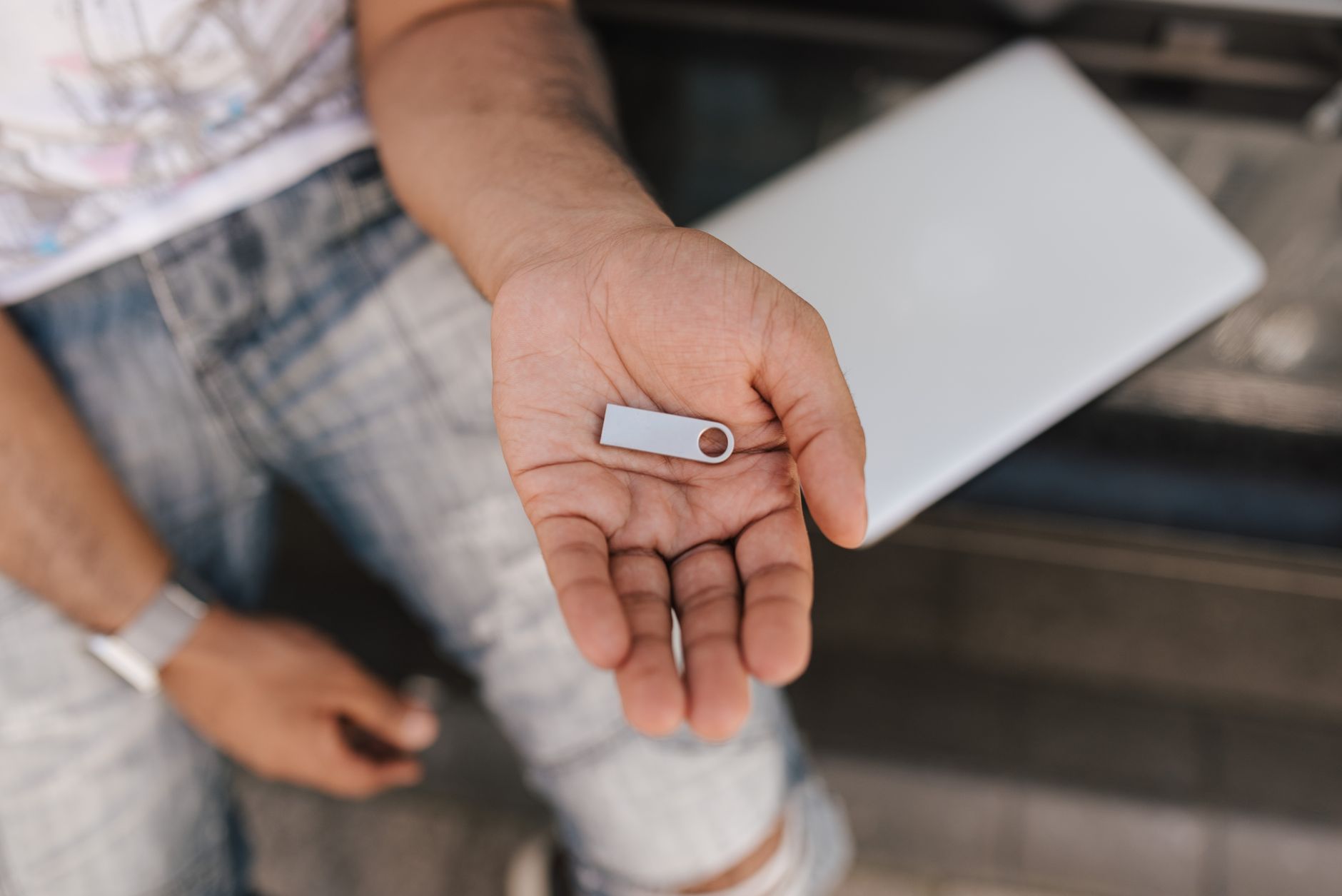
Why Standard Deletion Falls Short
When you delete a file, your operating system marks that space as available for future use. Until something new is written over it, the original data remains intact. On a spinning hard drive, overwriting with new data at least creates a reasonable barrier. Flash memory – which is what USB drives use – manages writes differently through a process called wear leveling, which distributes data writes across the storage cells to prevent any one area from degrading too quickly. The practical consequence is that you cannot guarantee which physical cells your overwrite actually touches, leaving pockets of recoverable data scattered across the drive.
Free tools like Recuva or PhotoRec are designed specifically to pull recoverable data off storage devices. They require no technical expertise and work even after a standard format. A drive someone discarded with a quick delete could yield hundreds of files to someone who runs one of these tools on it. This is not a theoretical risk – it is the default outcome for any improperly wiped drive that ends up in secondhand markets, recycling bins, or donation boxes.
A “quick format” offers only marginally more protection than a simple delete. It clears the file table – the index that tells the operating system where files are stored – but leaves the underlying data untouched. A full format does overwrite data in some configurations, but behavior varies depending on the operating system version and the drive type. Relying on format options alone without understanding what they actually do is how data leaks happen.
What Actually Works
For USB drives and other flash-based storage, two methods reliably prevent data recovery. The first is using dedicated drive-wiping software that performs multiple overwrite passes. Tools like Eraser on Windows, or the built-in Disk Utility erase function on macOS with the secure erase option enabled, are designed to handle this. The key is running enough passes that recovery becomes computationally impractical – three passes is a commonly cited minimum, though some security contexts call for more.

The second method, and the most definitive one, is physical destruction. If the drive contains highly sensitive data and you have no further use for it, breaking the device open and physically damaging the NAND flash chips removes any possibility of software-based recovery. A hammer works. So do industrial shredding services, which some office supply retailers offer for a small fee. Destruction is inconvenient, but it is also final in a way that software wipes on flash storage can never fully guarantee.
Before the Drive Goes Anywhere
The more useful habit is treating USB drives as potentially permanent records before deciding to discard or donate them. Going through what has ever been stored on a drive – not just what is currently visible in the file browser – is worth doing before any transfer of ownership. Old drives that were used across multiple computers, or plugged into shared machines, may contain data from synced folders, browser caches, or auto-save files that were never deliberately moved there.
If you are donating drives that still work, wiping software is the appropriate path. Run a full overwrite, verify completion, and only then hand the drive over. Many donation recipients – schools, nonprofits, community centers – lack the tools or training to check whether incoming drives have been properly cleared, which means the responsibility stays with whoever is giving the drive away.
Drives headed for electronic recycling deserve the same treatment. Responsible e-waste recyclers are supposed to wipe or destroy storage before resale, but “supposed to” covers a wide range of actual practices. Documented cases of recycled drives resurfacing with personal data intact are not rare. Sending a drive out properly wiped removes that variable from the equation entirely.
One detail that catches people off guard: USB drives with hardware encryption – a feature on certain higher-end models from brands like Kingston or SanDisk – can be wiped by destroying the encryption key through a factory reset, which renders stored data unreadable without any overwrite. If your drive has this feature, the manufacturer’s utility software will expose it. Most drives sold for general consumer use do not have this, so checking before assuming is the practical step.
A USB drive pulled from a desk drawer and donated without any wipe is, in effect, handing a stranger the contents of your file system – along with whatever recovery tools they care to use on it.