


Digital artists face a crucial decision when choosing between Apple’s iPad Pro M4 and Samsung’s Galaxy Tab S9. Both tablets promise professional-grade performance, but their different approaches to stylus technology, software ecosystems, and display capabilities create distinct advantages for different creative workflows.
The M4 chip in the latest iPad Pro delivers unprecedented processing power for mobile art creation, while Samsung’s Galaxy Tab S9 offers the flexibility of Android with S Pen technology that many artists swear by. Understanding these differences becomes essential when investing in a device that could define your creative process for years to come.
Display Technology and Color Accuracy
The iPad Pro M4 features a stunning OLED display with exceptional color reproduction and deep blacks that make artwork pop off the screen. Apple’s Liquid Retina XDR technology delivers up to 1000 nits of full-screen brightness and 1600 nits peak brightness, creating an ideal canvas for detailed illustration work. The 120Hz ProMotion technology ensures smooth scrolling and responsive brush strokes.
Samsung’s Galaxy Tab S9 counters with its own AMOLED display technology, offering vibrant colors and excellent contrast ratios. The 120Hz refresh rate matches the iPad Pro’s smoothness, while Samsung’s display typically runs slightly larger at 11 inches compared to the iPad Pro’s options. Samsung has historically excelled in display technology, and the Tab S9 continues this tradition with accurate color reproduction suitable for professional work.
Both displays support wide color gamuts essential for digital art, but the iPad Pro M4’s display calibration tends to be more consistent out of the box. Samsung’s display often appears more saturated, which some artists prefer for initial sketching but may require adjustment for final artwork intended for print or web publication.
Stylus Performance and Precision
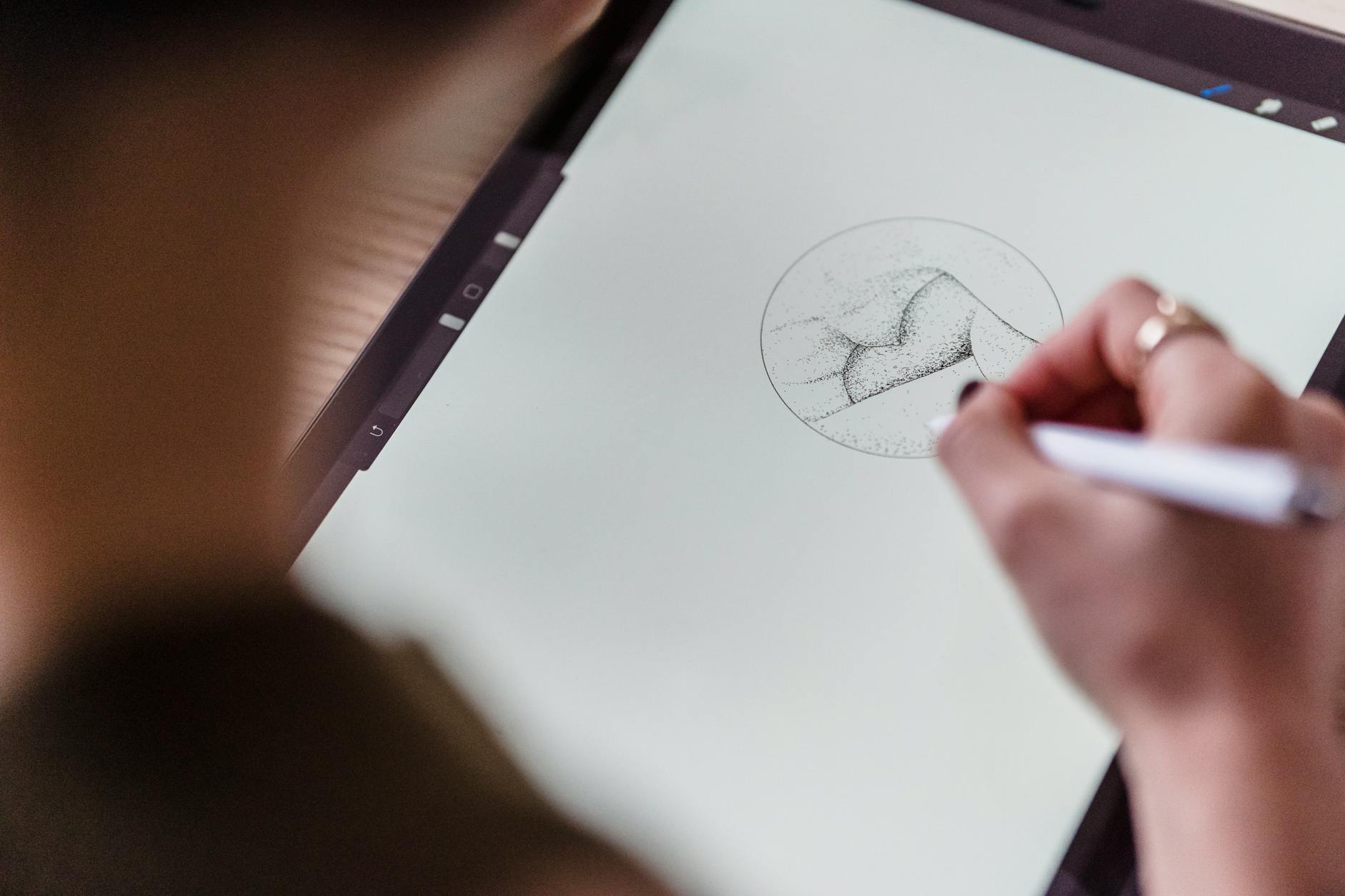
The Apple Pencil has long been considered the gold standard for tablet stylus input, and the latest generation maintains this reputation. With industry-leading pressure sensitivity and tilt recognition, the Apple Pencil offers natural drawing experiences that closely mimic traditional art tools. The pencil charges wirelessly when attached to the iPad’s edge and integrates seamlessly with iOS drawing applications.
Samsung’s S Pen technology has evolved significantly, offering comparable pressure sensitivity and precision to the Apple Pencil. The S Pen includes unique features like Air Actions, allowing artists to control applications with gestures above the screen surface. Unlike the Apple Pencil, the S Pen typically stores inside the tablet body and doesn’t require separate charging, making it more convenient for mobile artists.
Both styluses excel in professional applications, but their feel differs notably. The Apple Pencil tends to have a slightly smoother glide across the screen, while the S Pen offers more tactile feedback that some artists find preferable for detailed work. The choice often comes down to personal preference and which ecosystem better supports your preferred drawing applications.
Software Ecosystem and Creative Applications
Apple’s App Store offers the most comprehensive selection of professional digital art applications. Procreate remains the most popular choice among iPad artists, offering an intuitive interface and powerful features specifically designed for touch interfaces. Adobe Creative Suite applications like Photoshop and Illustrator provide desktop-class functionality on iPad, while Affinity Designer and ArtRage cater to specific artistic needs.
Android’s Google Play Store has expanded its creative application offerings, with many iOS favorites now available on Samsung tablets. Samsung includes its own creative applications and often bundles subscriptions to popular art software with new tablet purchases. The Galaxy Tab S9 also supports desktop applications through Samsung DeX mode, potentially expanding creative workflow options.
The key difference lies in application optimization. iOS applications tend to be more polished and take better advantage of tablet-specific features, while Android applications often feel like enlarged phone apps. However, Samsung’s partnership with various creative software companies has improved this situation significantly.
Similar to our analysis of creative professional devices, the software ecosystem ultimately determines daily usability more than raw hardware specifications.
Performance and File Management
The M4 chip in the iPad Pro delivers exceptional performance that easily handles complex digital artwork with multiple layers and effects. Artists report smooth performance even with large canvas sizes and processor-intensive filters. The unified memory architecture ensures consistent performance across different applications and multitasking scenarios.
Samsung’s Galaxy Tab S9 utilizes Qualcomm’s latest processor technology, providing solid performance for most creative tasks. While benchmark scores might favor the iPad Pro M4, real-world performance differences become negligible for typical digital art workflows. Both devices handle 4K video editing and complex vector illustrations without significant slowdowns.
File management presents a significant difference between the platforms. Samsung’s Android implementation offers traditional file system access, making it easier to organize artwork, import reference materials, and export finished pieces to various cloud services. iPad’s file management has improved but still feels restrictive compared to traditional computer workflows.
Battery life varies depending on usage, but both tablets typically provide 8-10 hours of active drawing time. The iPad Pro M4’s efficiency improvements help maintain performance longer during intensive creative sessions.

The choice between iPad Pro M4 and Galaxy Tab S9 for digital art ultimately depends on your existing ecosystem preferences and specific creative needs. Artists already invested in Apple’s ecosystem will find the iPad Pro M4 offers seamless integration and the most refined creative applications. Those preferring Android’s flexibility or requiring specific file management capabilities might gravitate toward Samsung’s offering.
Both tablets represent significant investments in creative tools that will serve artists well for years. The iPad Pro M4 edges ahead in pure performance and application selection, while the Galaxy Tab S9 offers better value and system flexibility. As creative software continues evolving across both platforms, either choice provides a solid foundation for professional digital art creation.
Frequently Asked Questions
Which tablet has better stylus performance for digital art?
Both offer excellent stylus performance, with Apple Pencil having smoother glide and S Pen providing more tactile feedback and gesture controls.
Does iPad Pro M4 or Galaxy Tab S9 have better creative apps?
iPad Pro M4 has more professional creative apps like Procreate and better-optimized Adobe suite, while Galaxy Tab S9 offers growing selection with Android flexibility.