



Creative professionals face a familiar dilemma: choosing between Apple’s ecosystem integration and Microsoft’s laptop-replacement ambitions. The latest iPad Air and Surface Pro models represent the pinnacle of tablet computing, each targeting designers, artists, and content creators with different philosophies about portable productivity.
Both tablets promise desktop-class performance in portable packages, but their approaches couldn’t be more different. Apple doubles down on touch-first design with the M2 chip’s power, while Microsoft continues refining its vision of tablets as true laptop replacements. After extensive testing with both devices, the winner depends entirely on your creative workflow and existing tech ecosystem.

Performance and Processing Power
The iPad Air’s M2 chip delivers consistent performance across demanding creative tasks. Video editing in LumaFusion feels seamless, with 4K timeline scrubbing and real-time effects that rarely stutter. The 8-core CPU handles multiple apps simultaneously without the thermal throttling that plagued earlier iPad models. Graphics-intensive apps like Procreate and Affinity Designer respond instantly to Apple Pencil input, with virtually zero latency during detailed illustration work.
Microsoft’s Surface Pro runs on Intel’s latest processors, offering full Windows compatibility that creative professionals often require. Adobe Creative Suite runs natively, providing access to the complete desktop versions of Photoshop, Illustrator, and Premiere Pro. This matters significantly for professionals who collaborate on projects requiring specific file formats and advanced features unavailable in mobile app versions.
Benchmark numbers tell only part of the story. The iPad Air excels at sustained performance thanks to superior thermal management, while the Surface Pro occasionally throttles during extended rendering sessions. However, the Surface Pro’s active cooling system and larger chassis allow for more consistent performance under heavy workloads compared to passively cooled tablets.
Creative Software Ecosystem
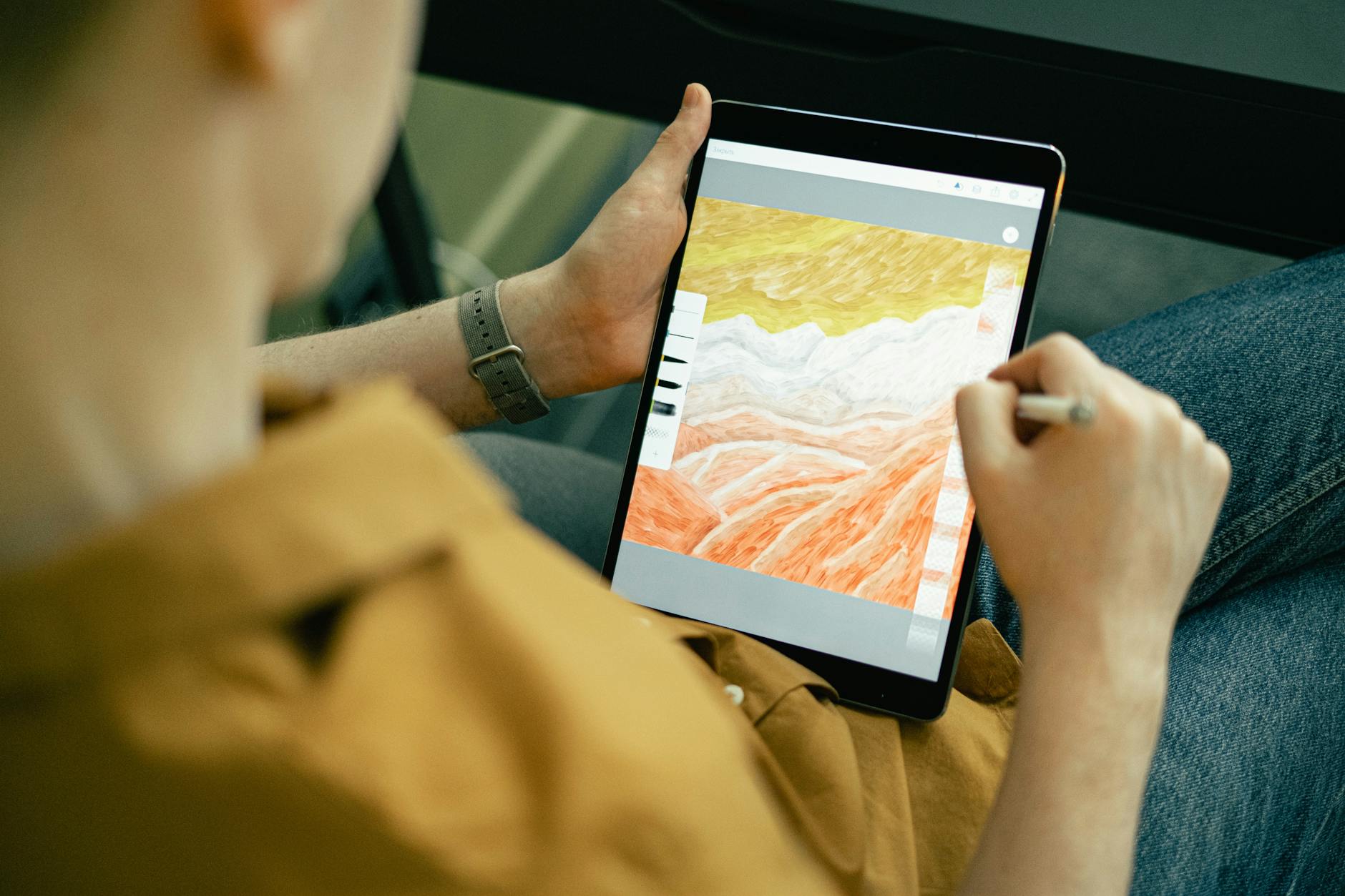
iPad’s app ecosystem has matured dramatically for creative work. Procreate remains the gold standard for digital illustration, offering intuitive gesture controls and powerful brush engines. Adobe’s iPad apps, while limited compared to desktop versions, provide surprisingly robust functionality for many creative tasks. Apps like Vectornator and Pixelmator Pro demonstrate that iOS creative software can rival desktop applications in specific workflows.
The Surface Pro’s advantage lies in software compatibility. Running full Windows means access to industry-standard applications without compromise. AutoCAD, the complete Adobe Creative Suite, and specialized 3D rendering software all run natively. For professionals working in established creative pipelines, this compatibility eliminates the workflow disruptions that come with switching to mobile app alternatives.
File management represents another crucial difference. The iPad’s Files app has improved but still feels restrictive compared to Windows’ traditional file system. Creative professionals managing large asset libraries or collaborating on complex projects often find Windows’ approach more familiar and flexible.
Input Methods and Accessories
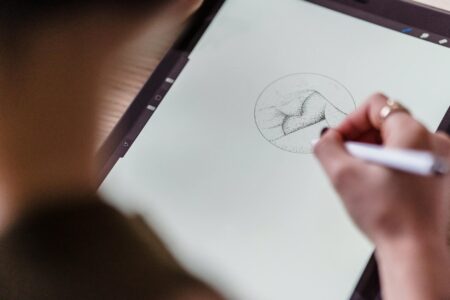
Apple Pencil integration sets the standard for stylus input on tablets. The second-generation Apple Pencil attaches magnetically, charges wirelessly, and offers pressure sensitivity that feels natural for artists transitioning from traditional media. Palm rejection works flawlessly, and the overall drawing experience rivals dedicated graphics tablets for many illustration tasks.
Microsoft’s Surface Pen has improved significantly in recent generations, offering comparable pressure sensitivity and tilt recognition. The pen clips to the side of the device and provides a more traditional pen-like grip that some artists prefer. However, the drawing experience still feels slightly less refined than Apple’s implementation, particularly for detailed work requiring precise control.
Keyboard accessories reveal each device’s priorities. The iPad Air’s Magic Keyboard transforms the tablet into a laptop-like device, but typing for extended periods feels cramped compared to traditional laptops. The Surface Pro’s Type Cover provides a more substantial typing experience and includes a trackpad that works seamlessly with Windows’ cursor-based interface.
Portability and Build Quality
Both tablets prioritize portability, but their approaches differ. The iPad Air feels lighter and more balanced when held for extended periods, making it ideal for handheld creative work. The aluminum construction feels premium and durable, though the large camera bump can interfere with flat surface stability when drawing.
The Surface Pro’s kickstand provides versatile positioning options that the iPad Air can’t match without additional accessories. The ability to adjust viewing angles continuously makes it excellent for desk work and presentations. However, the kickstand mechanism adds weight and complexity compared to the iPad’s simpler design.
Battery life favors the iPad Air for most creative tasks. Video editing and illustration work typically provides 8-10 hours of usage, while the Surface Pro manages 6-8 hours depending on the workload intensity. This difference becomes significant for creative professionals working away from power sources throughout the day.
Price and Value Proposition
Configuration options reveal each manufacturer’s target audience. The iPad Air starts at a competitive price point but quickly escalates with storage upgrades and essential accessories like the Apple Pencil and Magic Keyboard. A fully equipped creative setup approaches premium laptop pricing while offering tablet-specific benefits.
Surface Pro pricing includes more base storage and the option for more RAM, reflecting its laptop replacement positioning. The Type Cover and Surface Pen add to the total cost but provide a complete creative workstation out of the box. For professionals requiring Windows compatibility, this represents solid value despite the higher entry price.
The decision ultimately depends on your creative workflow priorities. Choose the iPad Air if you value portability, battery life, and touch-first creative apps, especially if you’re already invested in Apple’s ecosystem. The integration with other Apple devices and the refined stylus experience make it ideal for illustration, design mockups, and content creation that doesn’t require desktop software.
Select the Surface Pro if your creative work demands full desktop applications, traditional file management, or Windows-specific software. It’s the better choice for professionals who need one device to handle both creative work and business productivity tasks without compromise.
As both platforms continue evolving, the gap between tablet and laptop functionality narrows further. Much like recent MacBook Pro improvements have pushed portable computing boundaries, these tablets represent the cutting edge of mobile creativity tools. The future likely holds even more powerful tablets that challenge traditional laptop supremacy in creative industries.
Frequently Asked Questions
Which tablet is better for digital art and illustration?
iPad Air excels for digital art with superior Apple Pencil integration and apps like Procreate, while Surface Pro offers full desktop creative software compatibility.
Can these tablets replace laptops for creative work?
Surface Pro comes closer to laptop replacement with full Windows compatibility, while iPad Air works best as a complementary creative device alongside traditional computers.