


A Physical Button in a Touch-Everything World
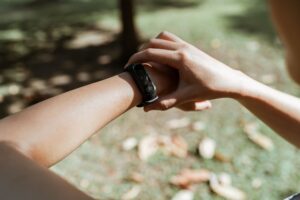
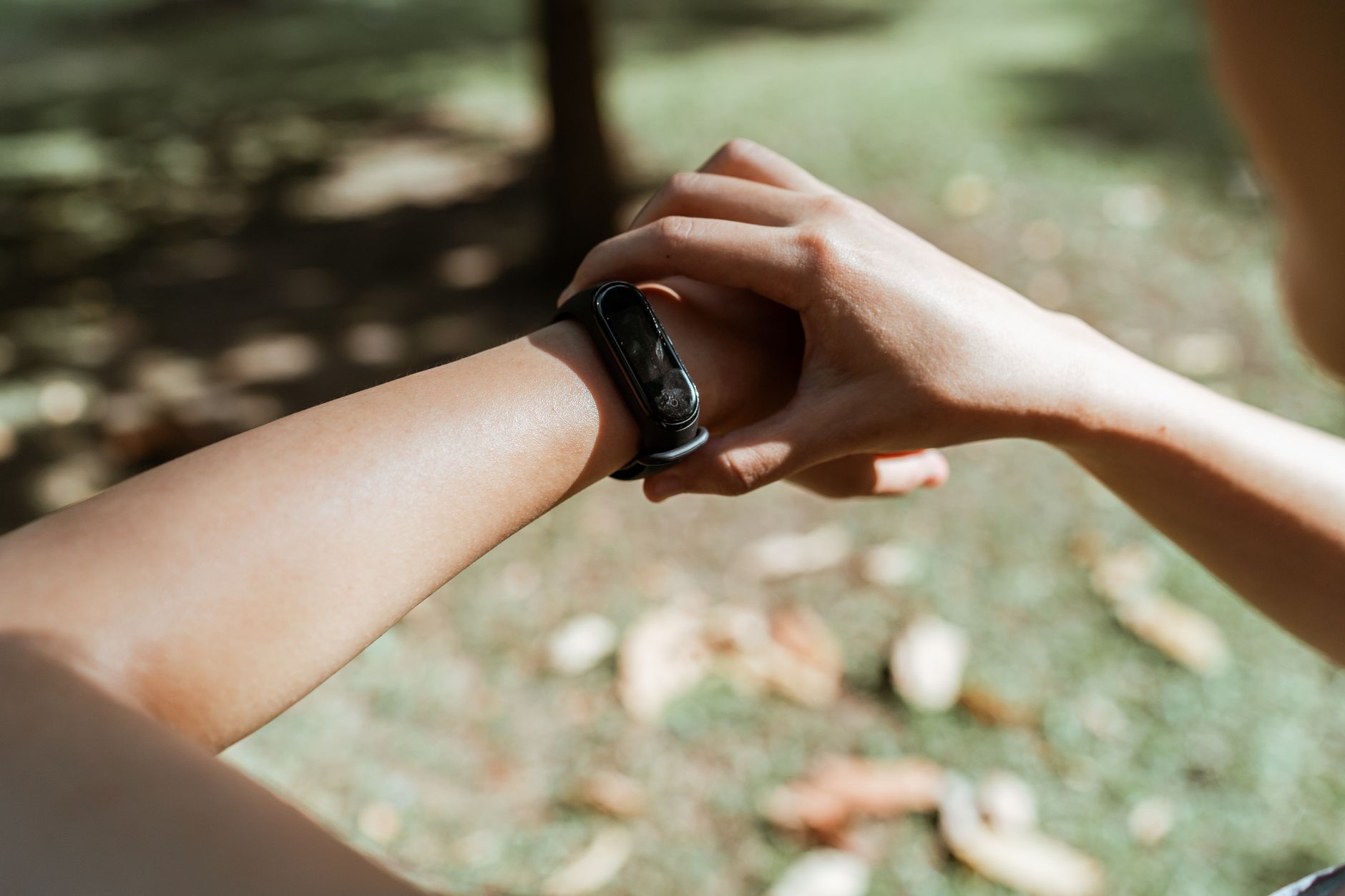
The Apple Watch Ultra 4 ships with a feature that stands apart from everything else on the device – a dedicated physical Action Button that sits on the left side of the case, distinct from the Digital Crown and the side button. While most smartwatch interactions demand taps, swipes, or voice commands, this button offers something more immediate: a single press that executes a specific function without unlocking the display or navigating any menu.
Apple designed the Action Button to be configurable, meaning the owner decides what it does.
That flexibility sounds simple on paper, but the range of what this button can actually trigger stretches from athletic utilities to smart home control – making it one of the more quietly useful hardware additions on a premium wearable that already justifies its price through raw durability and sensor depth.
Workout Launches, Route Retracing, and Athletic Shortcuts
The most straightforward application is workout initiation. Assigning the Action Button to launch a workout means that when you’re about to hit the trail or jump in the pool, you don’t fumble through the Workout app looking for your activity type – one press starts timing and tracking immediately. For athletes who train in conditions where dry fingers or fast transitions matter, the difference between pressing a physical button and navigating a touchscreen is not trivial.
Beyond starting workouts, the Action Button can be configured to retrace routes. This function is built for outdoor use – hikers, trail runners, and cyclists who want to follow a previously recorded GPS path back to their starting point can call that feature up instantly. The watch uses GPS data to map the return journey, and assigning this to the Action Button means the feature is accessible even mid-activity, without stopping to dig through menus.
Apple also allows the button to mark waypoints during a workout or outdoor session – dropping a GPS pin at a location with a single press. That has obvious uses for navigation, but also for training data: runners can mark interval splits, hikers can flag a campsite or trailhead, and swimmers can note distance checkpoints. The Action Button, in these contexts, works as a real-time annotation tool layered over whatever the watch is already recording.

Smart Home Control, Flashlight, and Custom Shortcuts
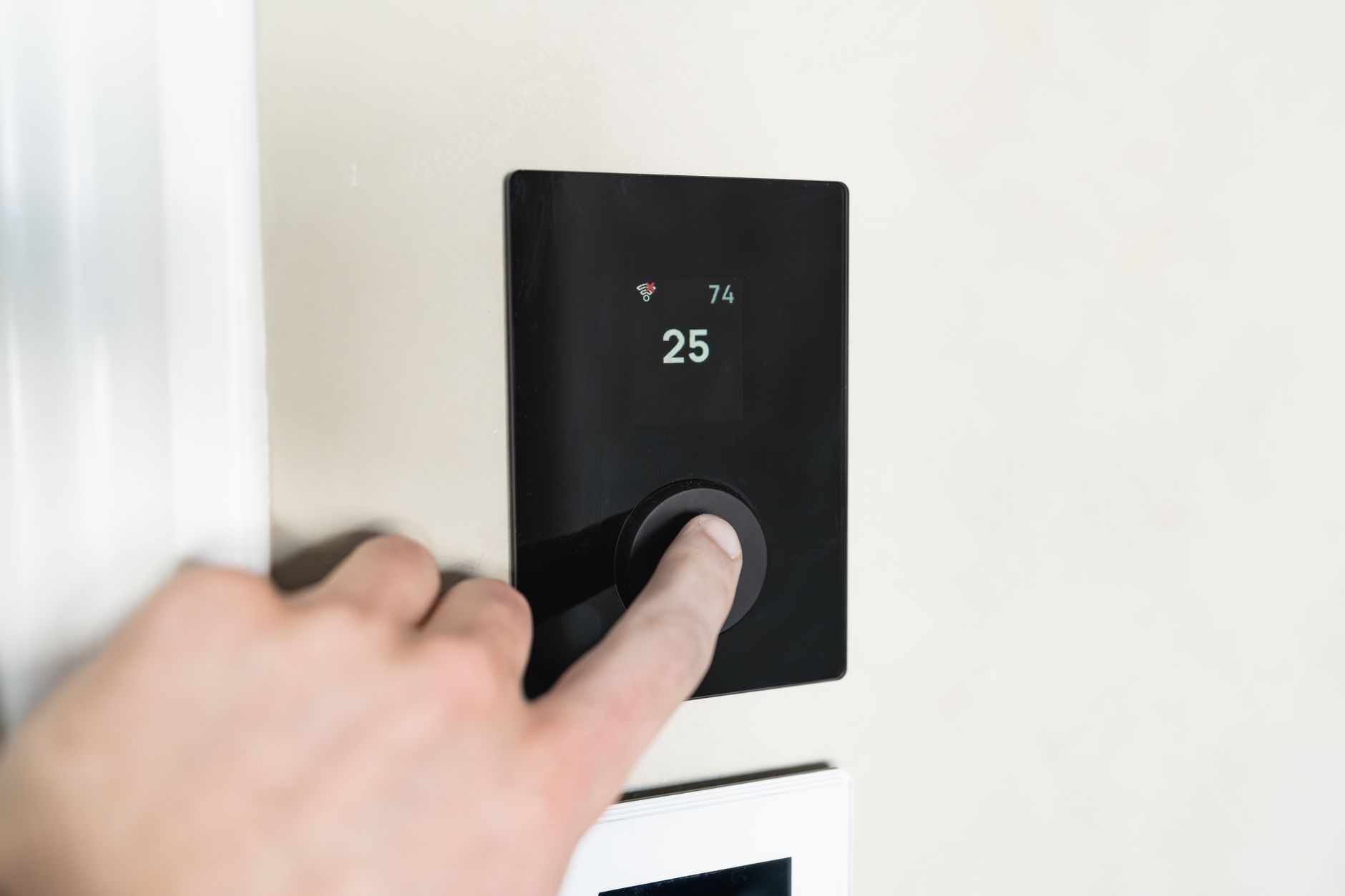
Outside athletic scenarios, the Action Button connects directly to Apple’s Home app ecosystem. Users can assign it to control smart home devices – lights, locks, thermostats, or any HomeKit-compatible accessory – with a single press from the wrist. This removes the need to open an app, speak to Siri, or reach for a phone entirely. The control is direct and immediate, which matters in situations like arriving home with your hands full or adjusting lights without interrupting whatever else you’re doing.
The button also activates the Ultra 4’s built-in flashlight. The Apple Watch Ultra line includes an LED array capable of producing a usable beam of white light – assigning the Action Button to trigger it means the flashlight is accessible without waking the display and hunting for the Control Center toggle. For nighttime runs, camping, or any low-light situation, that single-press access changes how quickly the feature becomes useful in practice.
Apple additionally supports Shortcuts integration, which opens the Action Button to essentially any automated task that can be built in the Shortcuts app – sending a message, logging a health note, triggering a scene across multiple smart home devices, starting a timer, or running a scripted multi-step sequence. The constraint is only what the Shortcuts app itself can execute, which by this point is a considerable amount. The Action Button, in Shortcuts mode, becomes a programmable trigger rather than a fixed function key – which means its utility scales with how much time the user invests in setting it up.
One Button, No Obvious Ceiling
The Apple Watch Ultra 4 Action Button is hardware that earns its placement on an already crowded case through configurability rather than a single headline use. Whether it’s launching a swim workout before entering the water, triggering a HomeKit scene when arriving home, or retracing a mountain trail when GPS matters most, the function is always one press away – no display interaction required. That directness is what separates it from most on-screen shortcuts, which still depend on a readable display and a dry fingertip. The more interesting question isn’t what the button can do – it’s how many Ultra 4 owners are actually using it for anything beyond the default setting Apple ships it with.